Unlock unparalleled mayhem in Grand Theft Auto 5 with the incredible Hulk mod. This comprehensive guide navigates US gamers through every aspect of transforming into the green goliath, from seamless installation to optimizing performance for that truly immersive, stress-busting experience. For busy gamers averaging 36 years old and balancing life, this mod offers a fantastic value proposition, breathing new life into a beloved classic without needing a new game purchase. Discover how to smash, jump, and rampage across Los Santos as the Hulk, ensuring your gaming sessions are filled with explosive fun and a much-needed escape. We cover everything from finding the safest downloads to troubleshooting common issues, ensuring you spend less time frustrated and more time enjoying the sheer power of the Hulk. Dive into the world of enhanced GTA V gameplay and make your virtual escape truly epic. This informational resource is tailored to help you maximize your enjoyment and keep your game running smoothly, an essential for anyone looking to add a powerful new dimension to their GTA V experience.
Q: What are the essential tools I need to install the GTA 5 Hulk mod, and where do I get them safely?
A: To safely install the GTA 5 Hulk mod, you absolutely need three core tools: Script Hook V, an ASI Loader, and OpenIV. Script Hook V is crucial as it allows custom scripts to run in the game; you can download it from dev-c.com. The ASI Loader, usually included with Script Hook V as 'dinput8.dll', lets the game load .asi plugin files. OpenIV is a powerful modding tool for editing game archives and installing package files, available at openiv.com. Always ensure you download these from their official, reputable sources to avoid malicious software and ensure compatibility with your current GTA V version.
Q: My Hulk mod isn't showing up in-game after installation. What's the first thing I should check?
A: If your Hulk mod isn't appearing, the very first thing to check is that Script Hook V and its accompanying ASI Loader ('dinput8.dll') are correctly installed and up-to-date in your main GTA V game directory. Many mods, including the Hulk mod, rely on Script Hook V to function. Rockstar often updates GTA V, which can temporarily break Script Hook V until it's updated. Ensure your Script Hook V version matches your game's current build. Then, double-check that the mod's specific files (often within a 'scripts' folder) are in the correct location as per the mod's instructions, usually the main GTA V directory or a 'scripts' subfolder.
Q: How can I improve game performance when using the GTA 5 Hulk mod, especially on an older PC?
A: Improving performance with the GTA 5 Hulk mod on an older PC often involves a few key steps. First, ensure your graphics drivers are fully updated. Next, significantly lower GTA V's in-game graphics settings, focusing on textures, shadows, and anti-aliasing. Closing all unnecessary background applications before launching the game is also crucial to free up RAM and CPU cycles. Some mods may have their own performance options, so check the mod's README. For budget upgrades, consider adding more RAM (16GB is ideal) or installing the game on an SSD, which dramatically reduces loading times and can smooth out asset streaming.
Q: Is it possible to customize the Hulk's appearance or abilities within the mod?
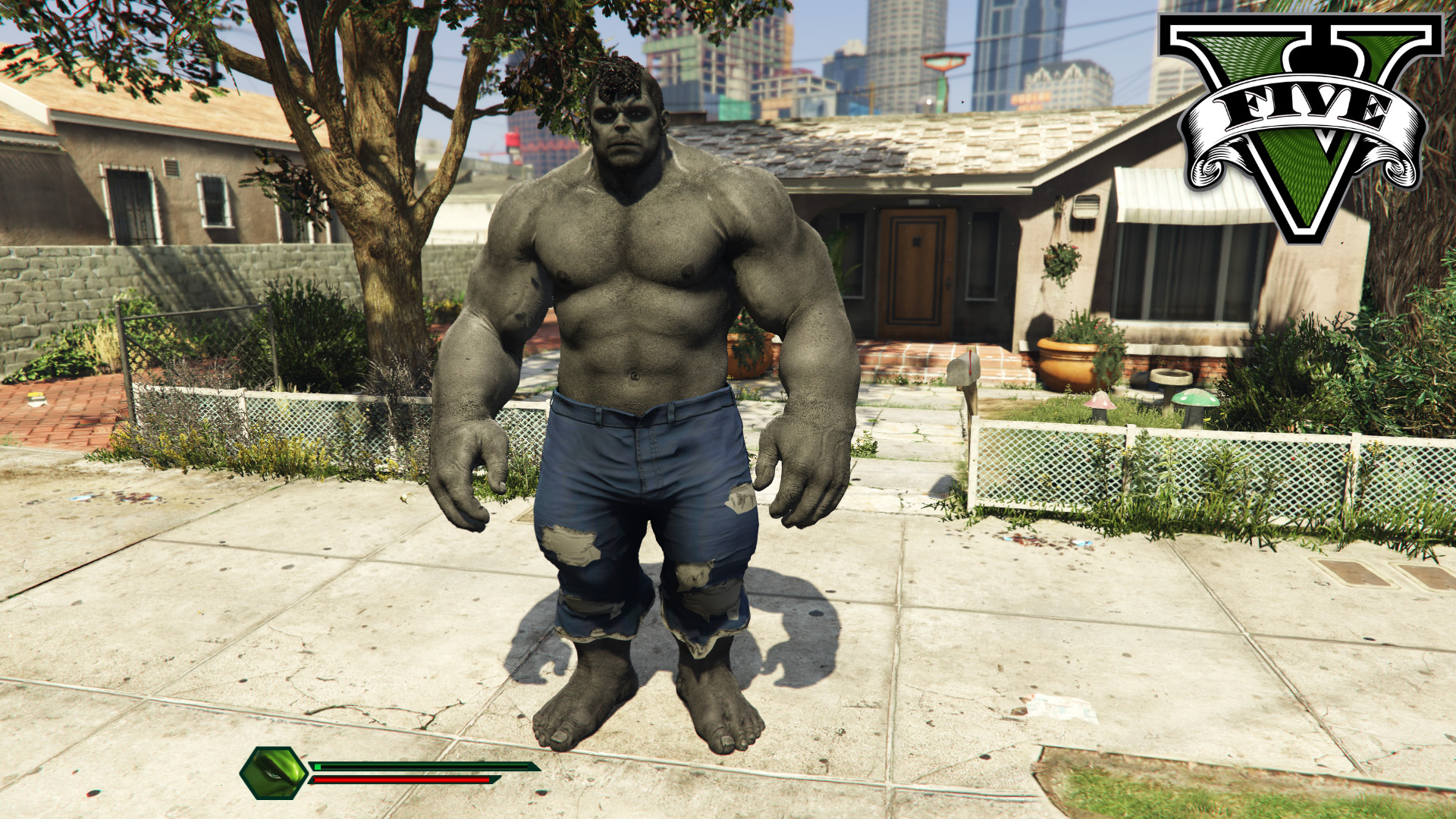
A: Yes, many advanced versions of the GTA 5 Hulk mod offer a degree of customization. This might include changing the Hulk's skin or model to different comic book versions, adjusting his size, or tweaking his abilities like jump height, strength, or invulnerability through an in-game menu or configuration files. Always refer to the specific mod's documentation or the in-game keybinds for customization options. These features allow you to tailor your green goliath experience to your liking, enhancing replayability and personalizing your rampage through Los Santos.
Q: I keep getting banned from GTA Online when I use the Hulk mod. What am I doing wrong?
A: The critical mistake is attempting to play GTA Online with the Hulk mod, or any mods, installed. Rockstar Games has a strict, zero-tolerance policy against modding in GTA Online, as it's considered cheating and leads to unfair advantages. Any detection of modified game files will result in a ban, ranging from temporary suspensions to permanent account locks. To play GTA Online safely, you must completely remove all mod files from your GTA V installation. Experienced modders often maintain two separate GTA V installations or use a mod manager to easily switch between a 'modded' single-player version and a 'clean' online version to avoid bans.
Q: What if a GTA V update breaks my Hulk mod? How do I fix it?
A: When a GTA V update breaks your Hulk mod, it usually means Script Hook V, the foundational modding tool, is no longer compatible with the new game version. The primary fix is to wait for the Script Hook V developer to release an updated version that supports the latest GTA V patch. Regularly check dev-c.com for these updates. Once a new Script Hook V is available, download and replace your old 'ScriptHookV.dll' and 'dinput8.dll' files in your GTA V directory. In the interim, you might have to play an unmodded game or consider reverting to an older GTA V version (though this is more complex and not always recommended).
Q: Are there any compatibility concerns when running the Hulk mod alongside other popular GTA V mods like a realistic graphics mod?
A: Yes, compatibility concerns can arise when running the Hulk mod with other significant GTA V mods, especially those that extensively alter game scripts or graphics. While many mods can coexist, graphic overhauls can sometimes conflict with script-based mods by stressing system resources too much, leading to crashes or poor performance. Script-based mods (like other superhero mods) might conflict if they try to modify the same game functions or use overlapping keybinds. Always test mods individually before combining them, and refer to each mod's documentation for known conflicts. Prioritize essential mods and troubleshoot by enabling them one by one.
Hey fellow gamers! Ever find yourself staring at your screen after a long day, wondering how to truly blow off some steam? Many of us, especially those around 36 balancing jobs, family, and life, look to gaming not just for relaxation but for that pure, unadulterated fun and escapism. Grand Theft Auto V has been a legendary go-to for years, offering a massive open world. But what if you could take that experience and inject it with a dose of pure, unbridled power? Enter the GTA 5 Hulk mod.
This isn't just about a new skin; it's about transforming Los Santos into your personal playground of destruction with the strength of the green goliath. With 87 percent of US gamers regularly diving into their favorite titles, often for 10+ hours a week, making the most of your existing game library, especially a classic like GTA V, is smart. Mods like the Hulk mod offer incredible value, revitalizing gameplay without requiring you to shell out for a new title. This guide is your ultimate resource to safely install, optimize, and thoroughly enjoy the GTA 5 Hulk mod, tackling common pain points like setup hassles and performance dips head-on. Let's make your gaming escape truly legendary.
What Exactly is the GTA 5 Hulk Mod and Why Should I Install It?
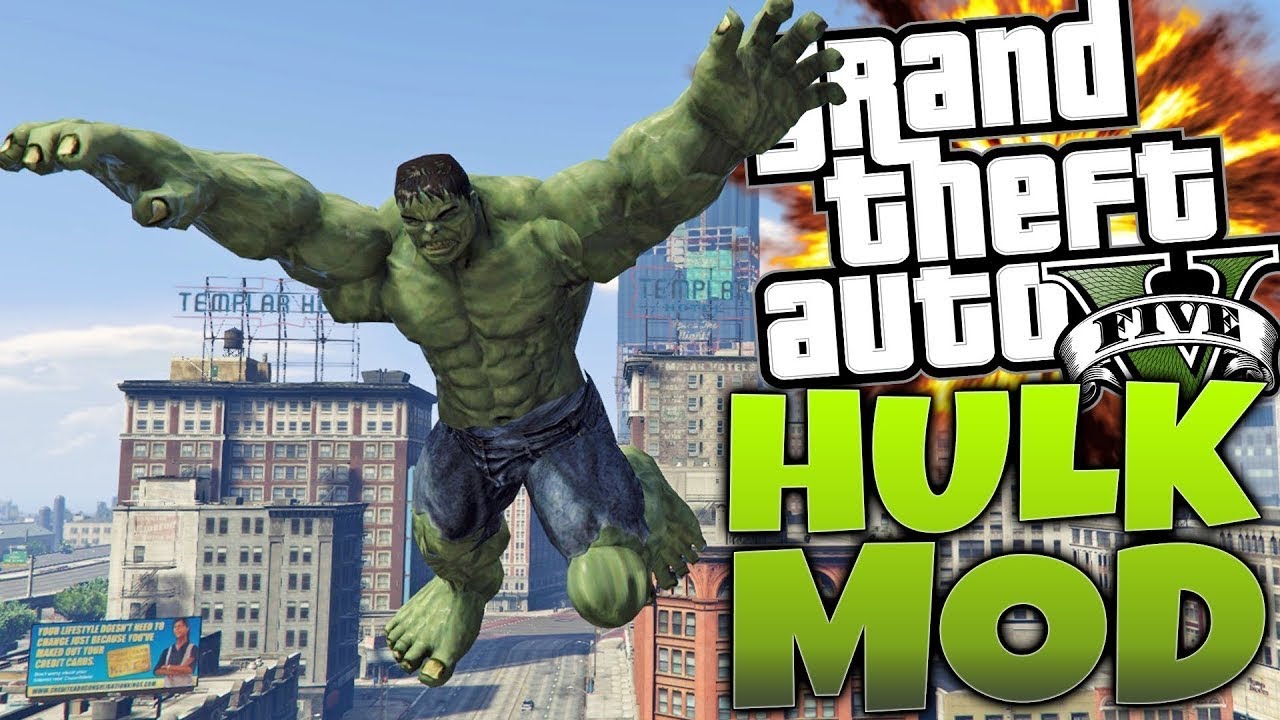
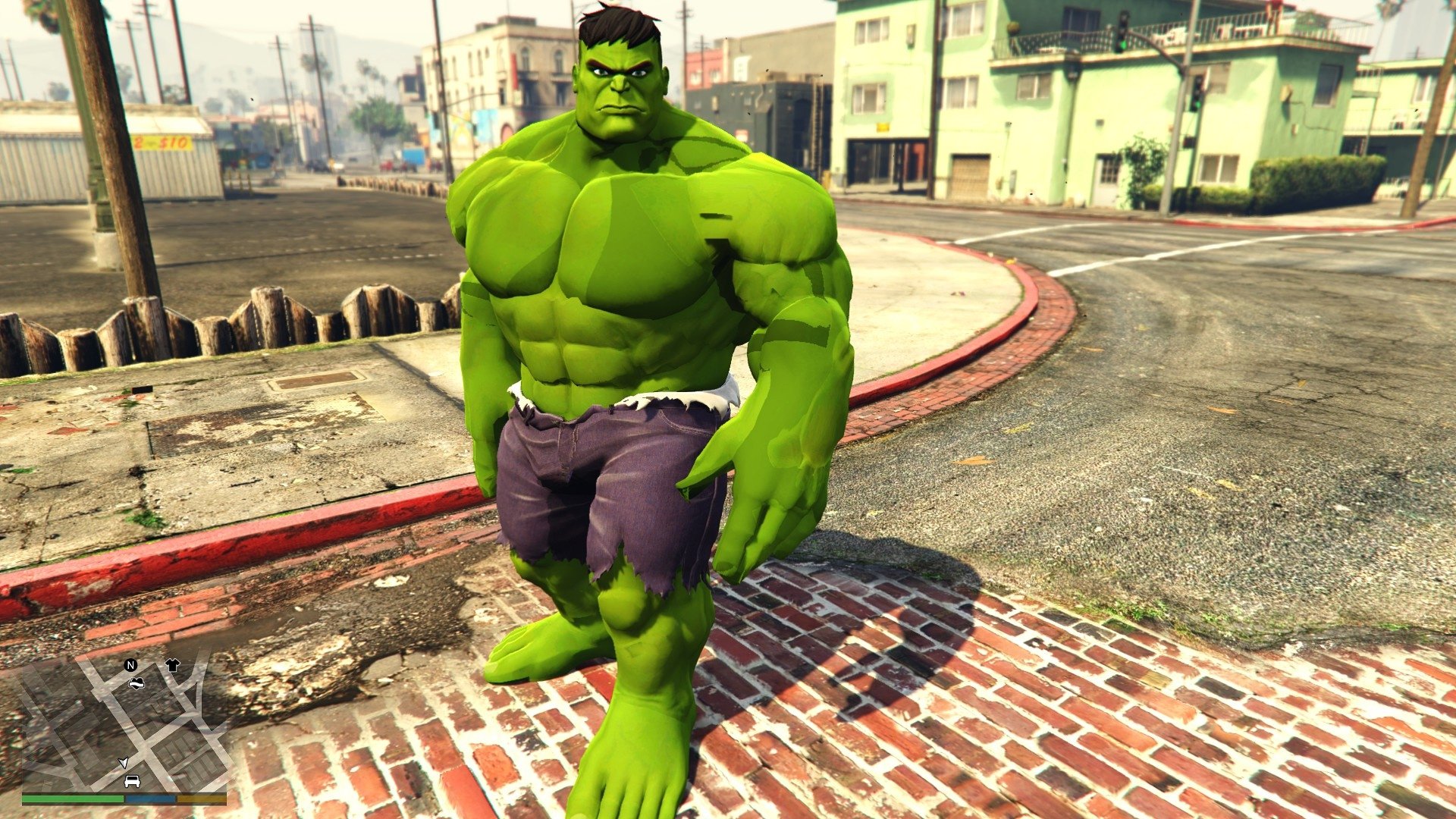
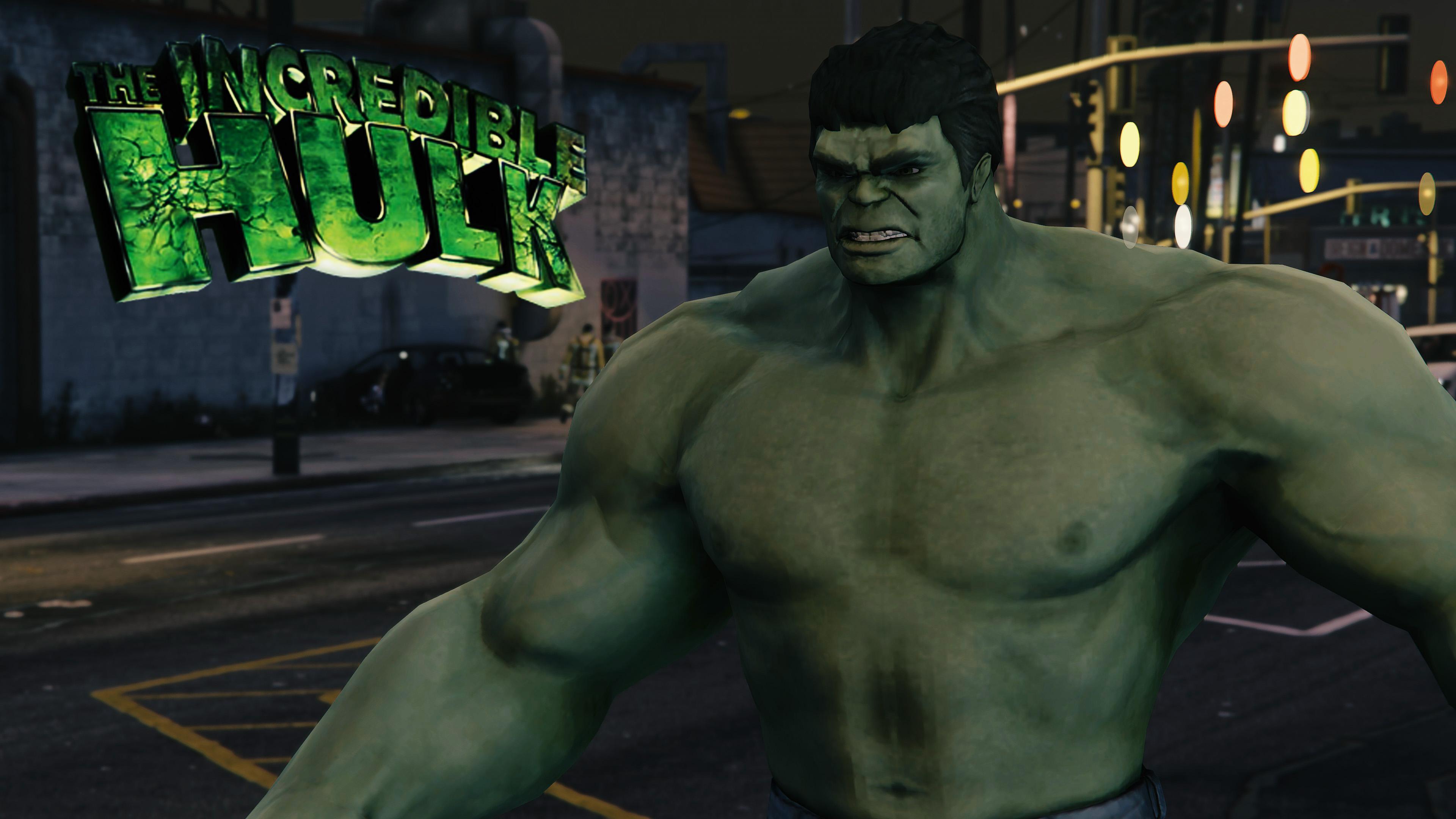
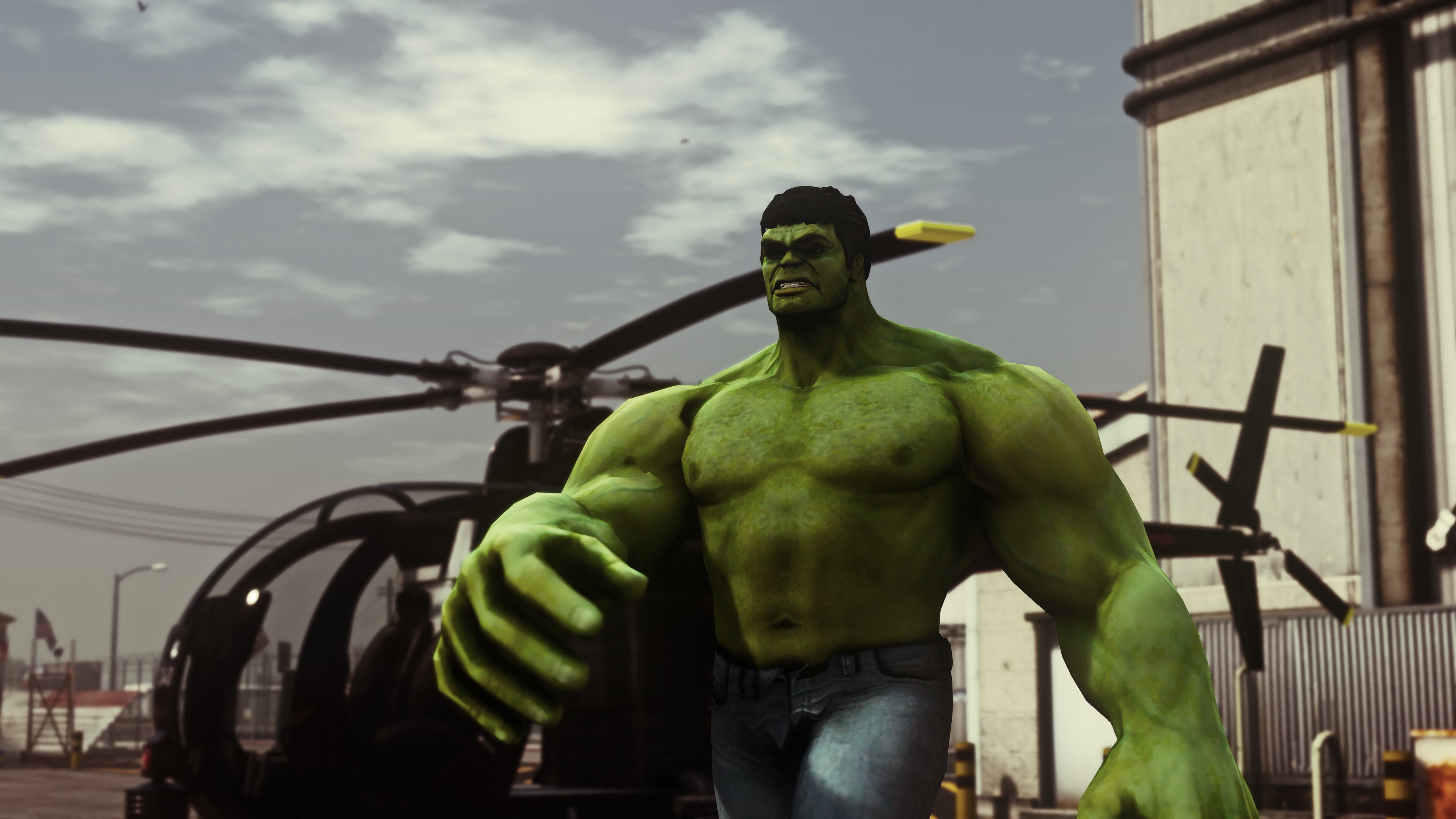
The GTA 5 Hulk mod, often a highly popular download within the GTA modding community, transforms your character into the Incredible Hulk. This isn't just a cosmetic change; it's a complete gameplay overhaul. You gain superhuman strength, incredible jumping abilities, the power to smash cars with a single punch, throw vehicles, and even perform devastating ground slams. It fundamentally changes how you interact with the environment and the game's mechanics, offering a fresh, chaotic, and incredibly satisfying experience.
For gamers looking to unwind and unleash some virtual aggression, this mod is a fantastic choice. It provides a unique kind of stress relief, allowing you to rampage through Los Santos in ways Rockstar never intended. It's a way to rekindle your love for GTA V, adding countless hours of new fun without needing to buy another game, which is perfect for budget-conscious gamers. Plus, experiencing the city from the perspective of an unstoppable force is just plain cool.
How Do I Safely Install the GTA 5 Hulk Mod? A Step-by-Step Guide
Installing mods in GTA V can seem daunting, but with the right steps, it's quite straightforward. Remember, always back up your game files before modding. Here's a general guide:
1. Download Required Tools: You'll typically need Script Hook V, an ASI Loader (usually included with Script Hook V), and OpenIV. These are the foundational tools for most GTA V mods. Ensure you download them from reputable sources like the official Script Hook V website and OpenIV.com to avoid malware.
2. Install Script Hook V and ASI Loader: Extract the contents of the Script Hook V archive. Copy 'ScriptHookV.dll' and 'dinput8.dll' (the ASI Loader) into your main GTA V game directory. This is usually located at C:Program FilesRockstar GamesGrand Theft Auto V or C:Program FilesSteamsteamappscommonGrand Theft Auto V.
3. Install OpenIV: Run the OpenIV setup file and follow the on-screen instructions. Once installed, launch OpenIV. It will ask you to locate your GTA V directory. Navigate to it and let OpenIV configure itself. Crucially, go to ToolsASI Manager within OpenIV and install 'ASI Loader' and 'OpenIV.asi'.
4. Download the Hulk Mod: Search for 'GTA 5 Hulk Mod' on reputable modding sites like GTA5-Mods.com. Look for mods with high ratings and positive comments. Download the mod file, usually a .rar or .zip archive.
5. Extract and Place Mod Files: Extract the contents of the Hulk mod archive. Many Hulk mods come with a 'scripts' folder and perhaps some .asi files. If there's a 'scripts' folder, create one in your main GTA V directory if it doesn't exist, and place the mod's contents inside it. If there are .asi files, these often go directly into the main GTA V directory or into the 'scripts' folder, depending on the mod's specific instructions. Always check the README file included with the mod for precise instructions.
6. Launch the Game: Start GTA V. If the mod requires specific key binds to activate, refer to the mod's documentation. Enjoy your newfound power!
What are the Best Features of the Hulk Mod and How Can I Use Them Effectively?
The GTA 5 Hulk mod typically comes packed with an array of abilities that let you truly feel like the Green Goliath. While specific features can vary between different versions of the mod, common highlights include:
- Super Strength: Lift and throw vehicles, streetlights, and even small buildings. Use this to create epic chain reactions of destruction.
- Invulnerability: Most Hulk mods make you impervious to ordinary bullets and explosions, allowing for truly reckless abandon.
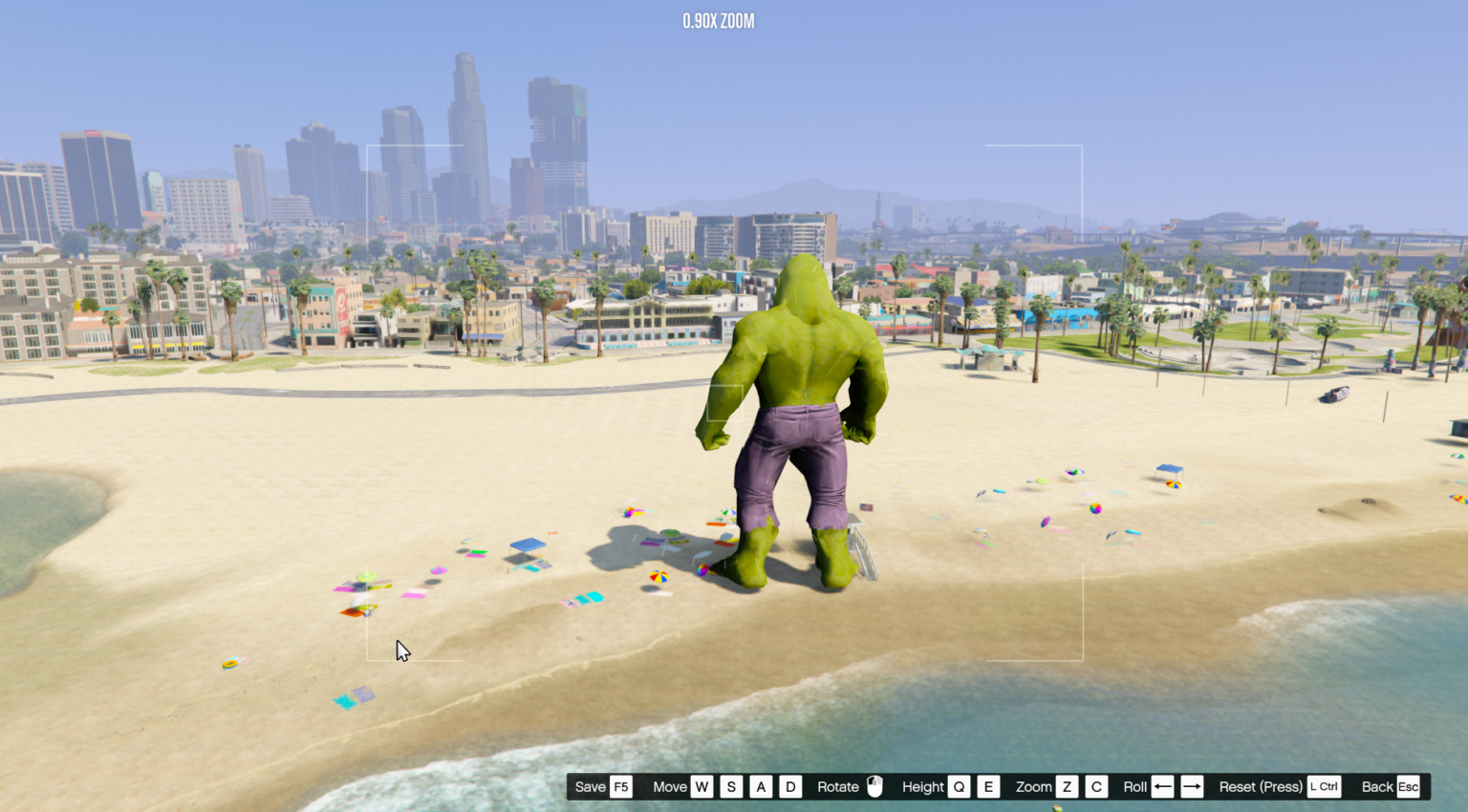
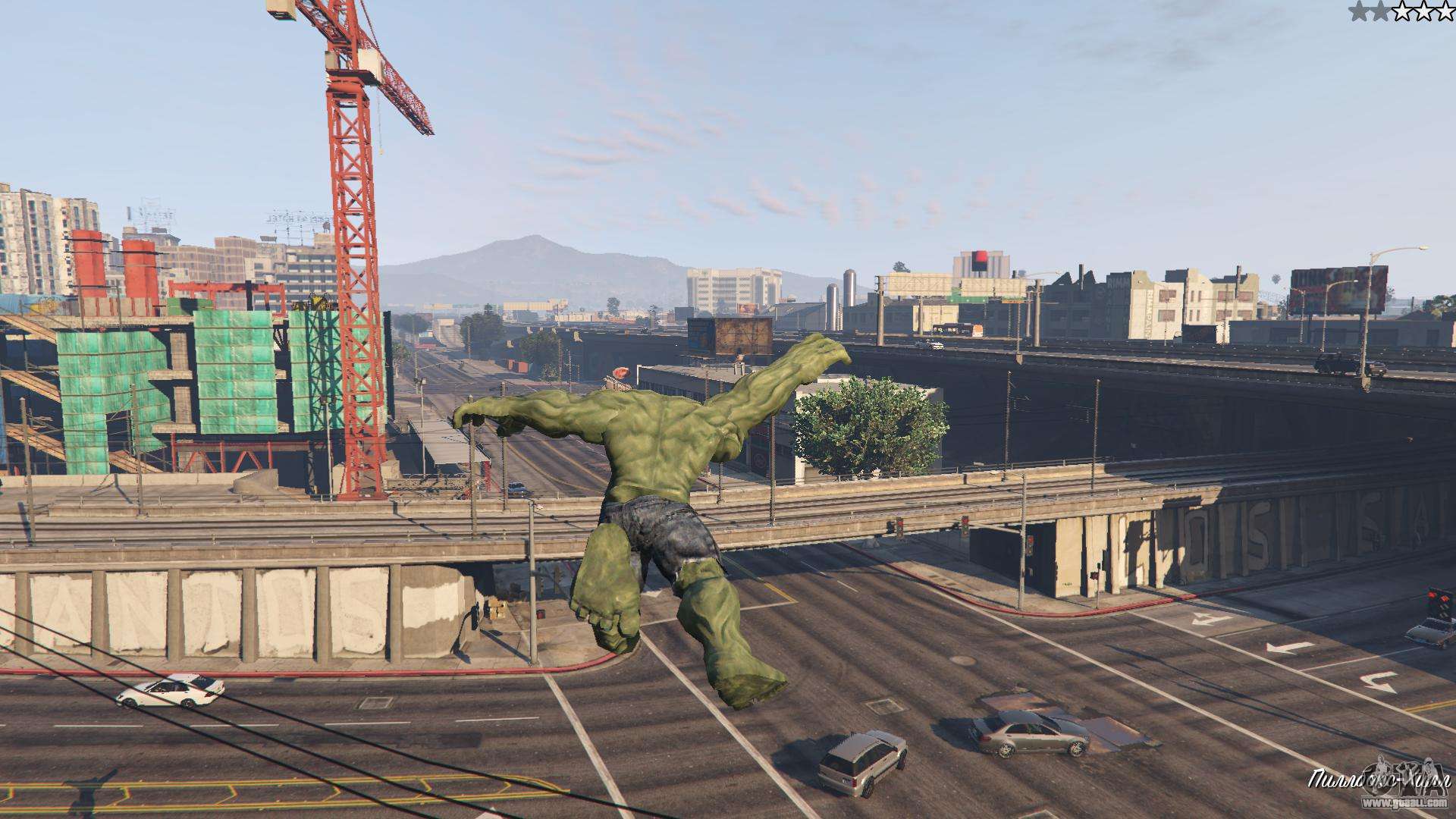
- Massive Jumps: Leap across entire city blocks, scale skyscrapers, and traverse Los Santos in record time. This is fantastic for exploration and quickly escaping sticky situations.
- Ground Slam: A powerful area-of-effect attack that sends enemies and objects flying. Perfect for clearing out large groups of police or military.
- Wall Climbing: Some advanced versions allow you to scale walls, further enhancing your traversal options.
- Rage Mode: Often an activatable ability, rage mode temporarily boosts all your stats, making you even more destructive and faster.
To use these effectively, think creatively. Instead of driving, jump across the city. Use cars as projectiles against helicopters. Punch tanks into submission. The mod encourages chaotic, over-the-top gameplay, which is a perfect antidote for daily stress. Experiment with different abilities to find your favorite ways to cause mayhem.
My GTA 5 Hulk Mod Isn't Working. How Do I Troubleshoot Common Issues?
Modding can sometimes lead to issues. Here are common troubleshooting steps:
- Check for Updates: Script Hook V, OpenIV, and the mod itself need to be compatible with your current GTA V game version. Rockstar often updates GTA V, breaking older mods. Always ensure your foundational tools are up-to-date.
- Verify File Placement: Double-check that 'ScriptHookV.dll', 'dinput8.dll', and the mod's files (e.g., in the 'scripts' folder) are in the correct GTA V directory. Misplaced files are a common culprit.
- Read the Mod's README: Every good mod comes with a README file that details specific installation instructions, known issues, and keybinds. This is your first port of call for unique mod problems.
- Remove Conflicting Mods: If you have multiple mods installed, especially other script-based mods, they might conflict. Try removing other mods temporarily to isolate the issue.
- Check Game Integrity: On Steam, you can 'Verify integrity of game files' to check for corrupted or missing GTA V files. This can often resolve issues caused by incomplete installations or previous mod remnants.
- Restart Your PC: Sometimes, a simple restart can resolve temporary glitches.
- Consult Modding Forums: Websites like GTA5-Mods.com or relevant subreddits often have forums where users discuss issues and solutions for specific mods.
Patience is key when troubleshooting mods. It's part of the modding journey, and overcoming these hurdles makes the eventual reward even sweeter.
Can I Play GTA Online with the Hulk Mod Installed?
Absolutely NOT! This is a crucial point for all GTA V modders. Installing any unauthorized third-party modification, including the Hulk mod, into your game's files can lead to a ban from GTA Online. Rockstar Games has a zero-tolerance policy against modding in its online environment to maintain fair play and prevent cheating.
If you wish to play GTA Online, you must either remove all mods from your game directory or, ideally, have a separate, clean installation of GTA V specifically for online play. Many experienced modders create a 'modded' folder and a 'vanilla' folder for their GTA V installation, switching between them as needed. This prevents accidental online launches with mods active. Always revert to a completely unmodded game before attempting to connect to GTA Online to safeguard your account.
How Do I Optimize Performance While Using the Hulk Mod?
Running graphics-intensive mods like the Hulk mod, especially on older hardware or systems balancing other tasks, can sometimes impact performance. Here's how to optimize:
1. Update Graphics Drivers: Ensure your NVIDIA, AMD, or Intel graphics drivers are always up-to-date. Newer drivers often include performance optimizations for various games.
2. Adjust In-Game Settings: Lower some of GTA V's graphics settings. Reducing texture quality, shader quality, shadow quality, or turning off advanced graphics options like grass quality and anti-aliasing can significantly boost FPS. Experiment to find a balance between visuals and performance that works for you.
3. Monitor Resource Usage: Use tools like Task Manager (Ctrl+Shift+Esc) or MSI Afterburner to monitor your CPU, GPU, and RAM usage while playing. If one component is consistently at 100 percent, it's likely a bottleneck.
4. Close Background Applications: Before launching GTA V, close unnecessary applications running in the background. Web browsers, streaming services, and other games can consume valuable CPU, RAM, and GPU resources.
5. Check Mod Settings: Some advanced Hulk mods might have their own in-game configuration menus or .ini files where you can adjust performance-related settings, such as particle effects or character model detail. Consult the mod's documentation.
6. Consider a Budget Hardware Upgrade: For gamers on a budget, a RAM upgrade from 8GB to 16GB can often provide a noticeable performance boost for open-world games. A solid-state drive (SSD) can also drastically reduce loading times. For a GPU, waiting for sales or looking at refurbished options can provide significant power without breaking the bank.
By proactively managing your settings and system resources, you can enjoy the Hulk mod's destructive power without sacrificing smooth gameplay.
Are There Other Fun Superhero Mods for GTA V Besides Hulk?
Absolutely! The GTA V modding community is incredibly creative and offers a plethora of superhero mods. If you enjoy the Hulk mod, you'll likely love exploring others. Popular choices include:
- Iron Man Mod: Fly around Los Santos in an Iron Man suit, firing repulsor blasts and rockets. Often features multiple suit variants.
- Superman Mod: Gain the powers of flight, super strength, heat vision, and invulnerability to patrol or terrorize the city.
- Flash Mod: Experience super speed, blurring through traffic and outrunning everything.
- Spider-Man Mod: Swing through the city, wall-crawl, and use web-slinging attacks.
- Thor Mod: Wield Mjolnir, control lightning, and call down storms.
These mods, like the Hulk mod, completely transform the gameplay and offer fresh perspectives on Los Santos. They are a fantastic way for gamers to keep a classic title engaging and relevant, aligning with the current trend of extending game life through community content.
Is the GTA 5 Hulk Mod Still Relevant in 2026?
Yes, absolutely! Despite GTA V being an older title, its massive open world and robust modding scene ensure its continued relevance. In 2026, many US gamers still rely on classic titles for stress relief and fun, especially those looking for value. Mods like the Hulk mod significantly extend the game's lifespan and offer experiences that even new AAA titles might not. With over 60% of gamers enjoying titles that allow for personalization and unique gameplay, the Hulk mod continues to be a go-to for injecting new life into Los Santos. It's a testament to the enduring appeal of fan-created content and the timeless fun of GTA V.
The modding community consistently updates tools like Script Hook V to maintain compatibility with new GTA V patches, ensuring that popular mods like the Hulk mod remain functional. For busy adult gamers, a well-implemented mod adds immeasurable value, transforming a familiar landscape into an arena for fresh, chaotic enjoyment, fitting perfectly into those precious gaming hours. It's all about maximizing your fun on your terms.
Final Thoughts: Unleash Your Inner Hulk!
The GTA 5 Hulk mod offers a fantastic way to revitalize your Grand Theft Auto V experience, transforming it into a destructive playground for unparalleled fun and stress relief. For adult gamers balancing life's demands, it's a perfect example of how community-created content can extend the value and enjoyment of a beloved classic. By following this guide, you're now equipped to safely install, optimize, and troubleshoot your way to becoming the green goliath of Los Santos. Go forth and smash!
What's your biggest gaming challenge when it comes to keeping older titles fresh? Comment below!
FAQ Section
How do I activate the Hulk mod in GTA 5? Once installed, most Hulk mods activate using specific keybinds, often detailed in the mod's README file. Common activation keys include 'J', 'H', or a combination like 'Ctrl + N'. Check your specific mod's instructions for exact controls to unleash the Hulk.
Is it safe to download GTA 5 mods from any website? No, it's not safe. Always download GTA 5 mods from reputable sites like GTA5-Mods.com or Nexus Mods. These sites often have community reviews and virus scanning, reducing the risk of malware. Avoid unknown or suspicious download links.
Will the Hulk mod affect my other GTA 5 save files? Typically, script-based mods like the Hulk mod operate independently and shouldn't corrupt your single-player save files directly. However, it's always good practice to back up your saves before major mod installations, just in case. They are usually located in your DocumentsRockstar GamesGTA VProfiles folder.
Can I install multiple superhero mods at once in GTA V? Yes, you can often install multiple superhero mods. However, compatibility issues can arise, especially if they use similar scripts or keybinds. Test mods one by one, and always check their documentation for known conflicts to ensure stability. Use mod managers if available for easier toggling.
What's the best way to uninstall the Hulk mod? The best way to uninstall is to manually remove the mod's specific files (e.g., from the 'scripts' folder or main directory) that you added during installation. If you used OpenIV to replace game files, you'll need to use OpenIV's 'revert' option or restore from your backups. A clean reinstall of GTA V is a last resort.
Does the Hulk mod work with the latest version of GTA V? The Hulk mod, like all GTA V mods, relies on Script Hook V for compatibility. As of 2026, Script Hook V is regularly updated to support the latest GTA V patches. Always ensure your Script Hook V version matches your game version for the mod to function correctly. Check the Script Hook V website for updates.
Transform into Hulk in GTA 5, Experience superhuman abilities, Smash cars and buildings, Epic jumps and destructive power, Easy installation guide, Performance optimization tips, Troubleshooting common mod issues, Enhanced replayability for GTA V, Value for money gaming experience.
35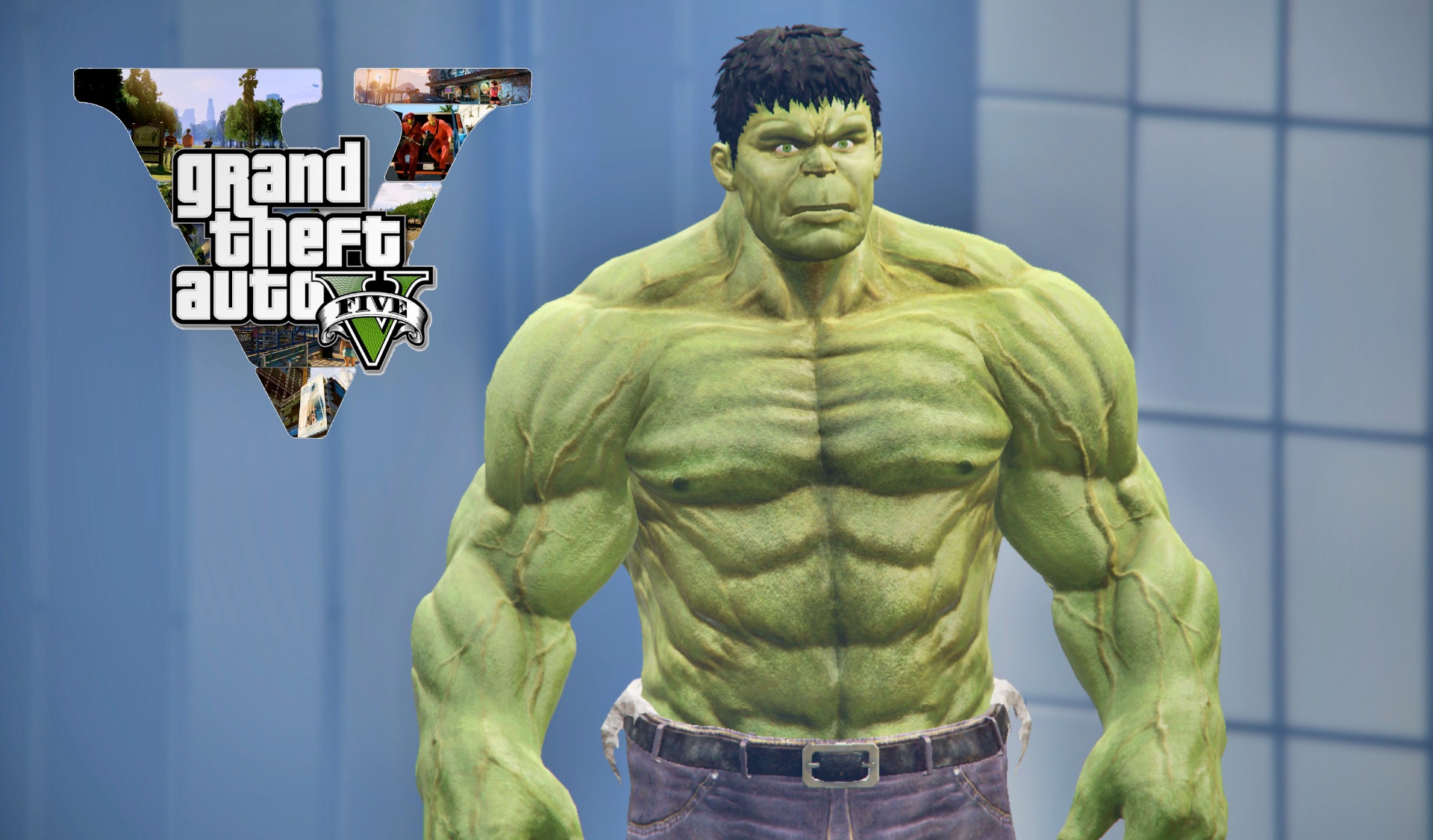
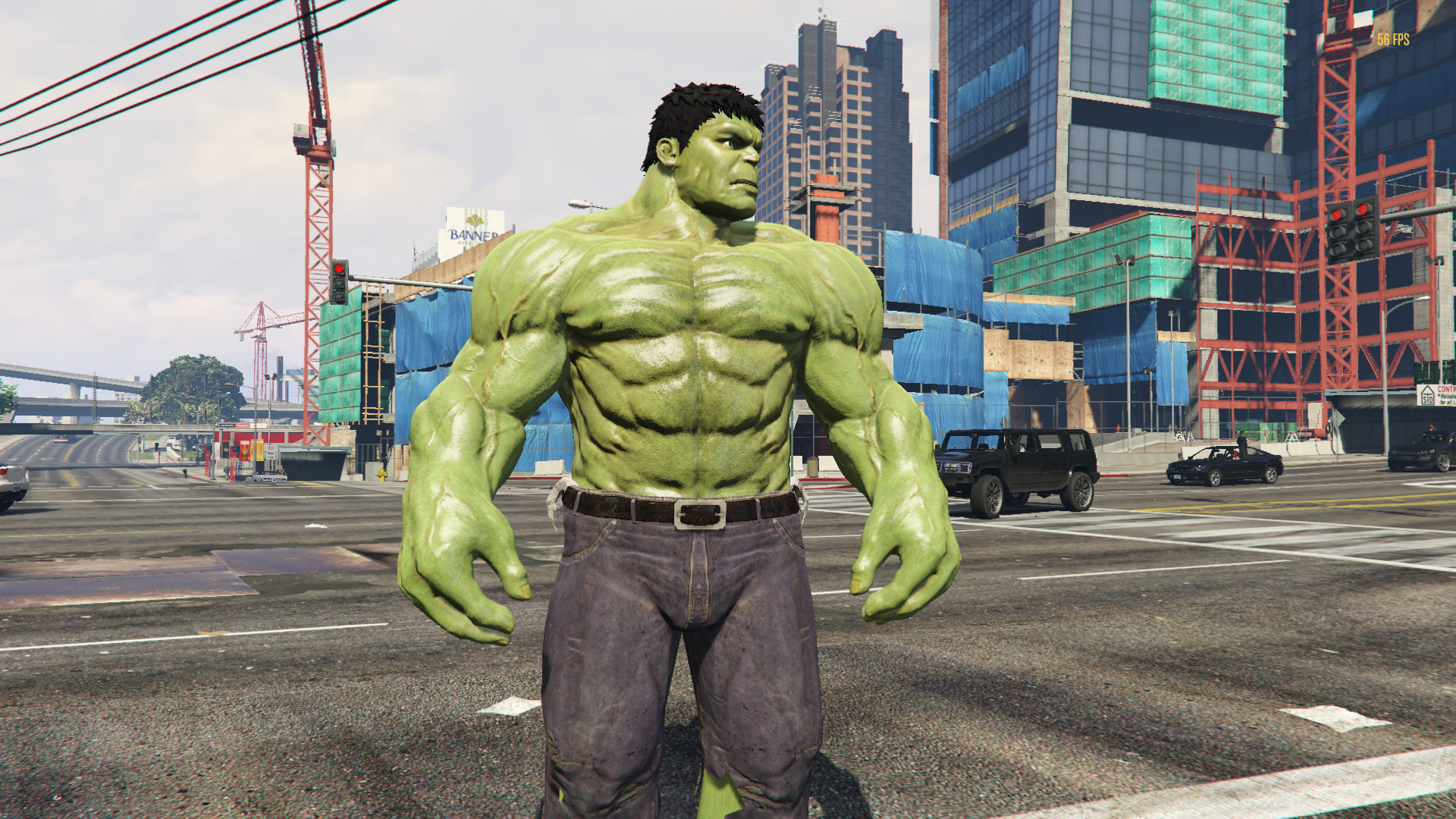
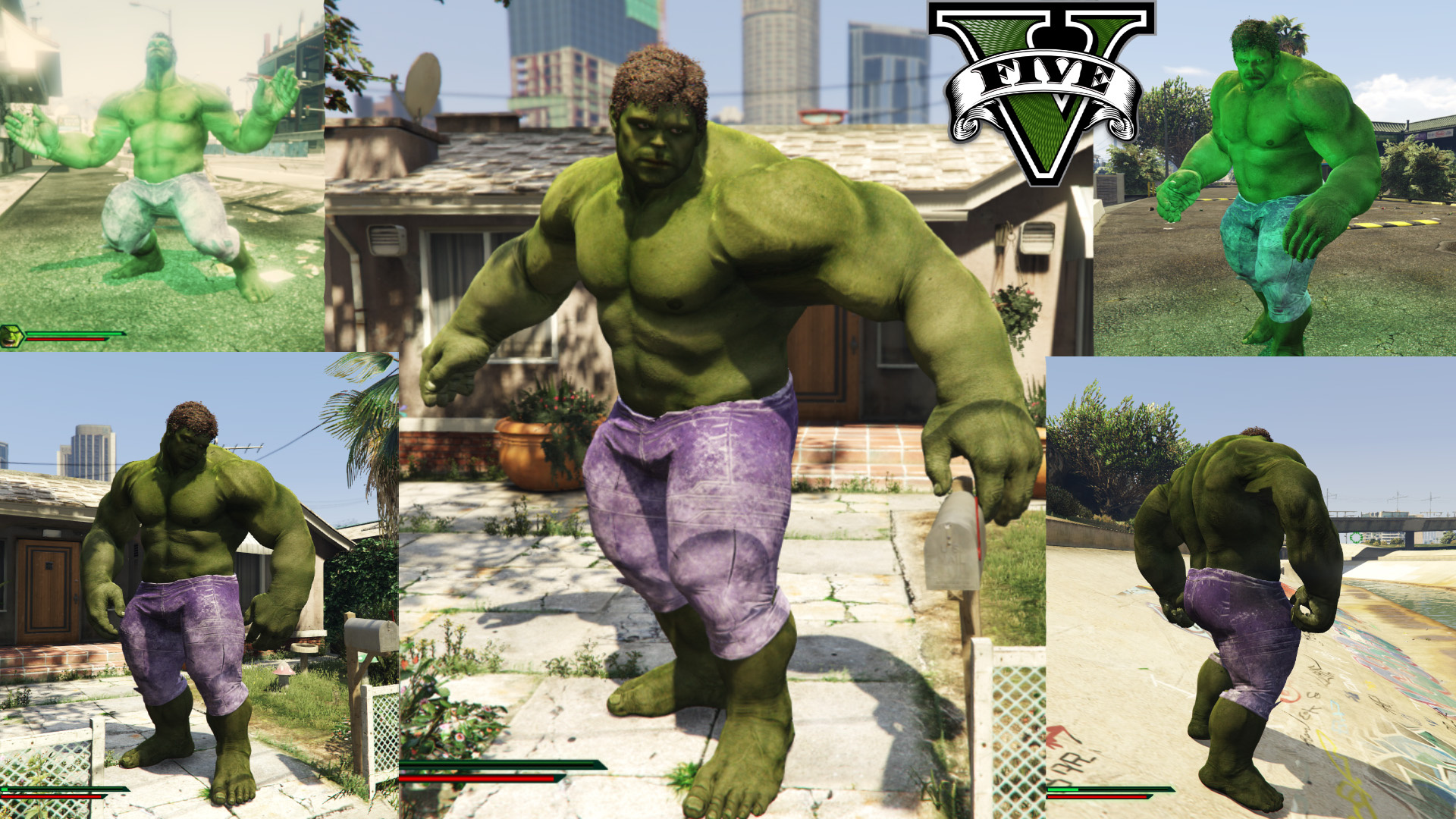

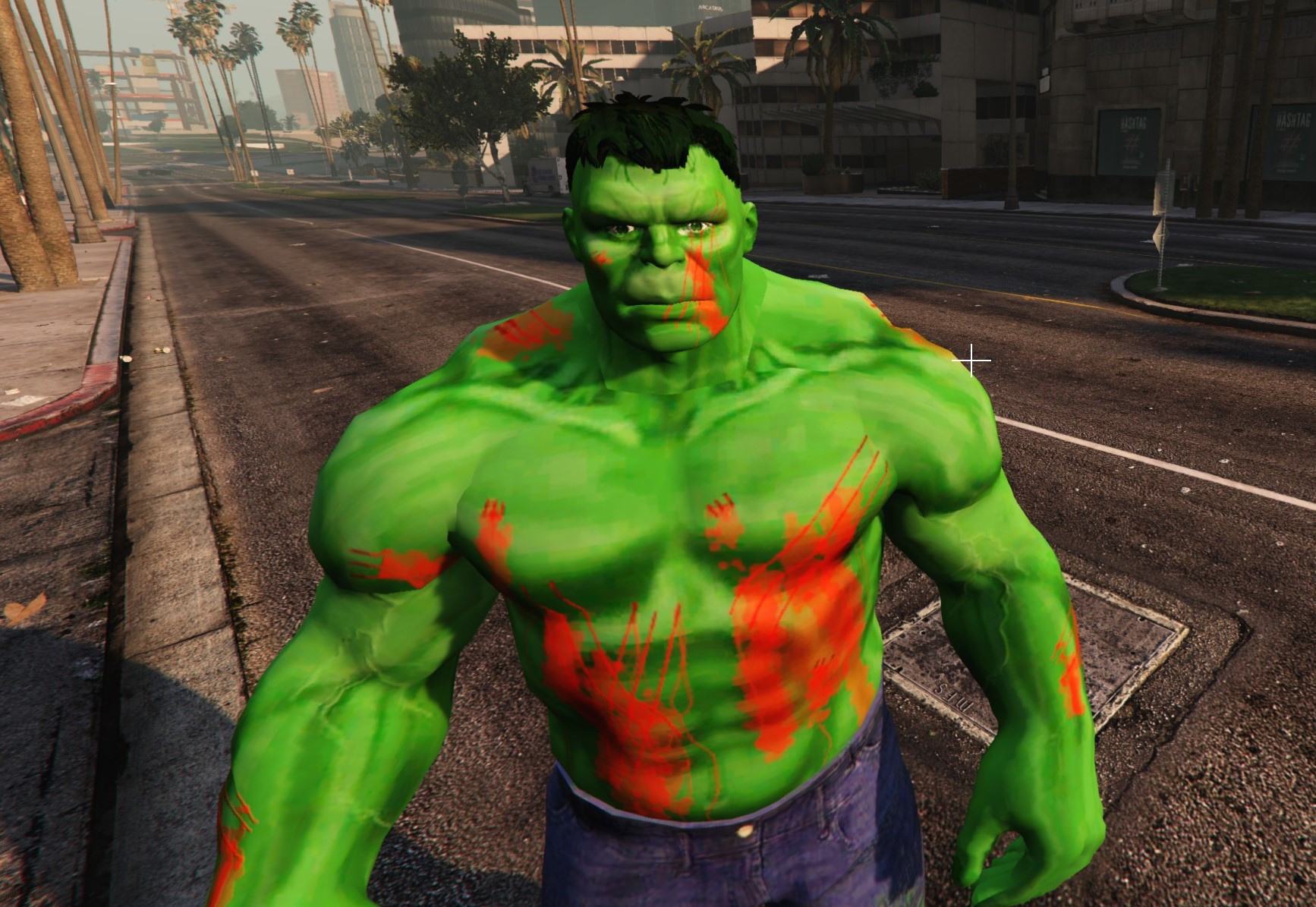
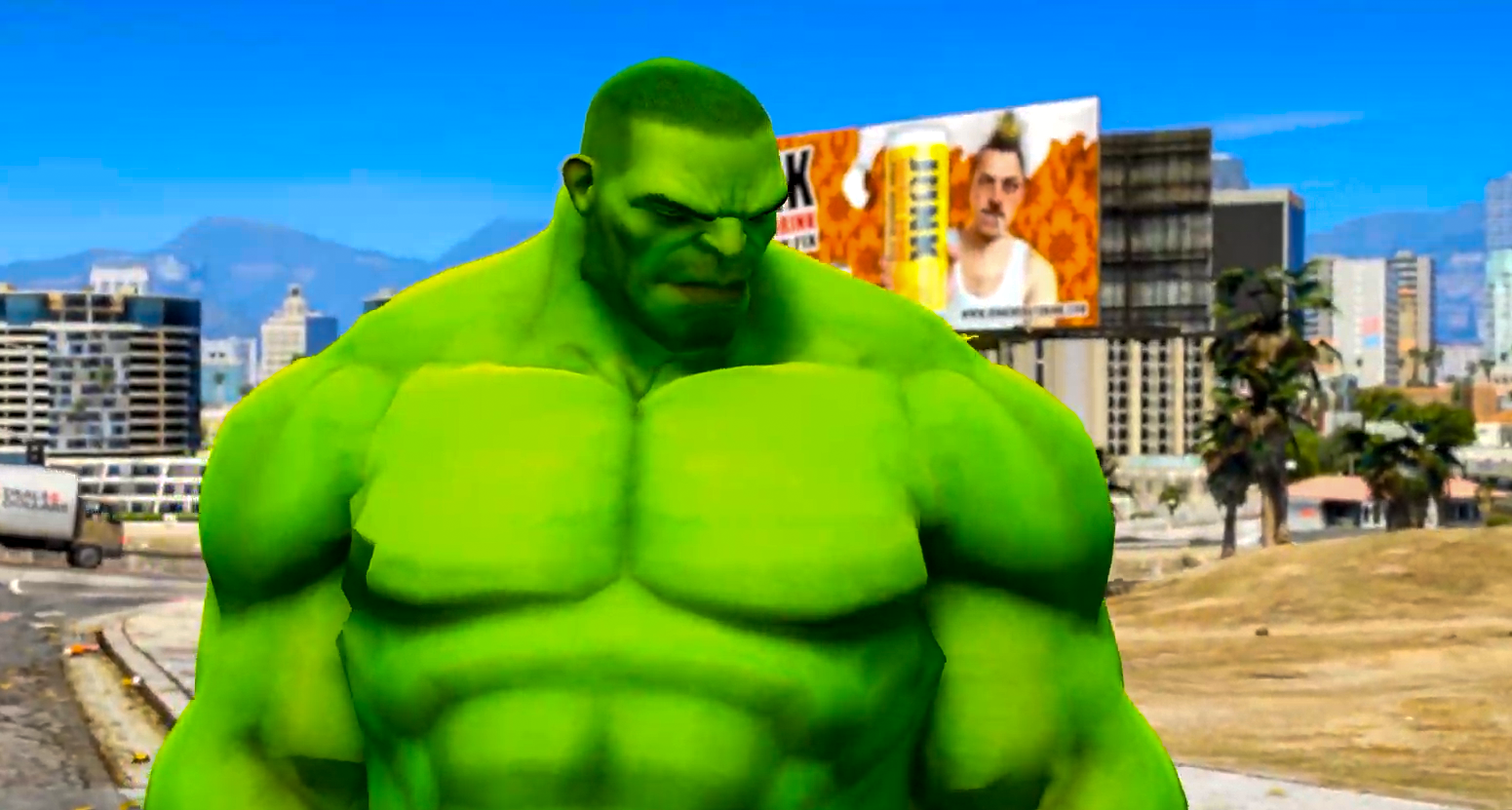
THE HULK MCU Version With ULTRA HD Textures GTA 5 Mod THE HULK . THE HULK MCU Version With ULTRA HD Textures GTA5 Mods Com 4a09dd Hulk001 . Maestro Hulk Add On GTA5 Mods Com Fc268e 31244 . GTA 5 Mods THE HULK MOD 2 0 W NEW ABILITIES GTA 5 Hulk Mod 2 0 . HULK Retexture GTA 5 Mod HULK Retexture4

How To Install Hulk Mod In GTA 5 Super EasyGuide 2026 YouTube . Hulk Avengers Age Of Ultron Add On GTA5 Mods Com 324f50 1 . THE HULK MCU Version With ULTRA HD Textures GTA 5 Mod THE HULK5 . How To INSTALL The HULK Mod In GTA 5 Enhanced 2026 Step By Step . Giant Hulk Gta 5 Mods Factory Screenshot 159

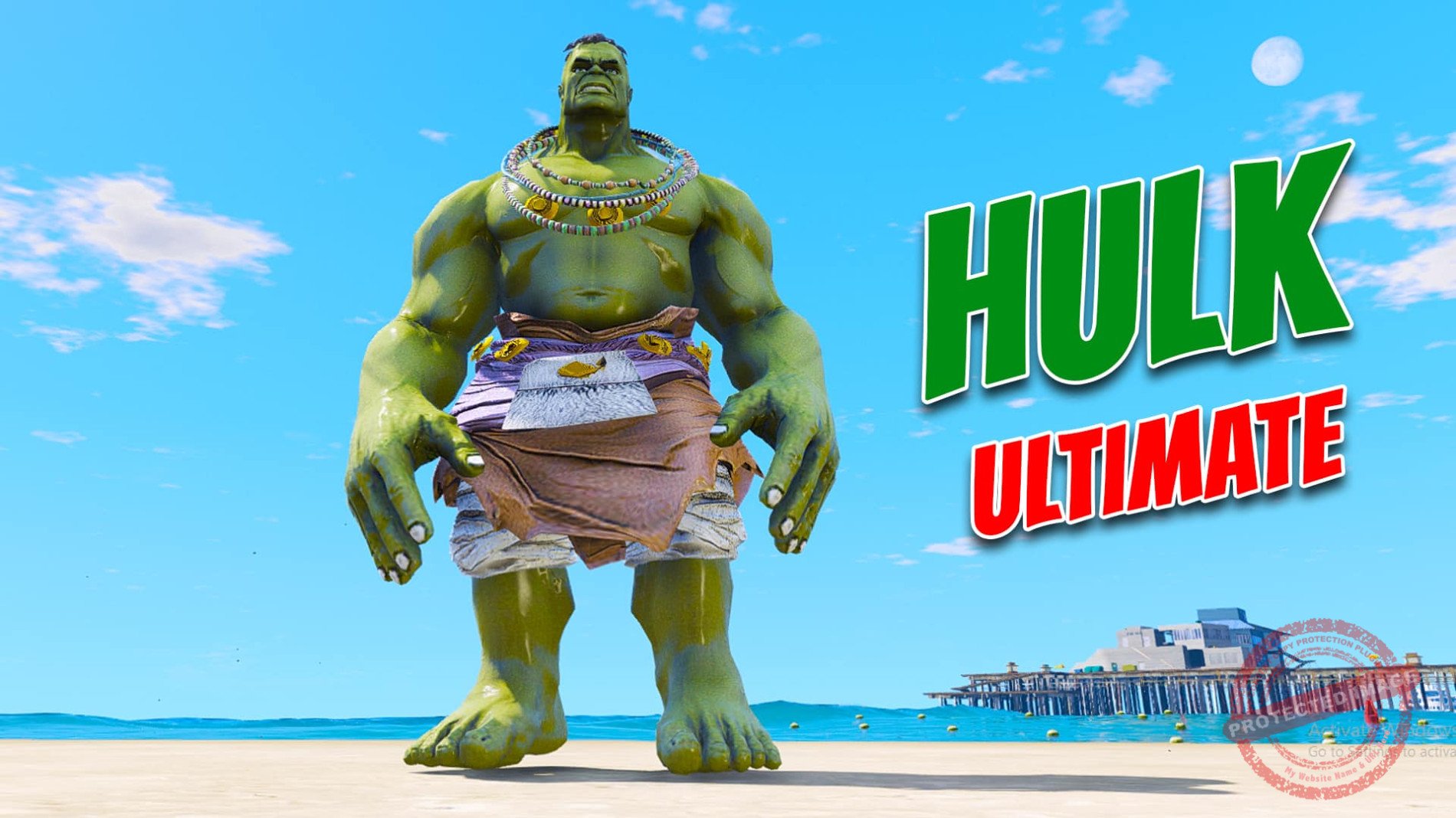
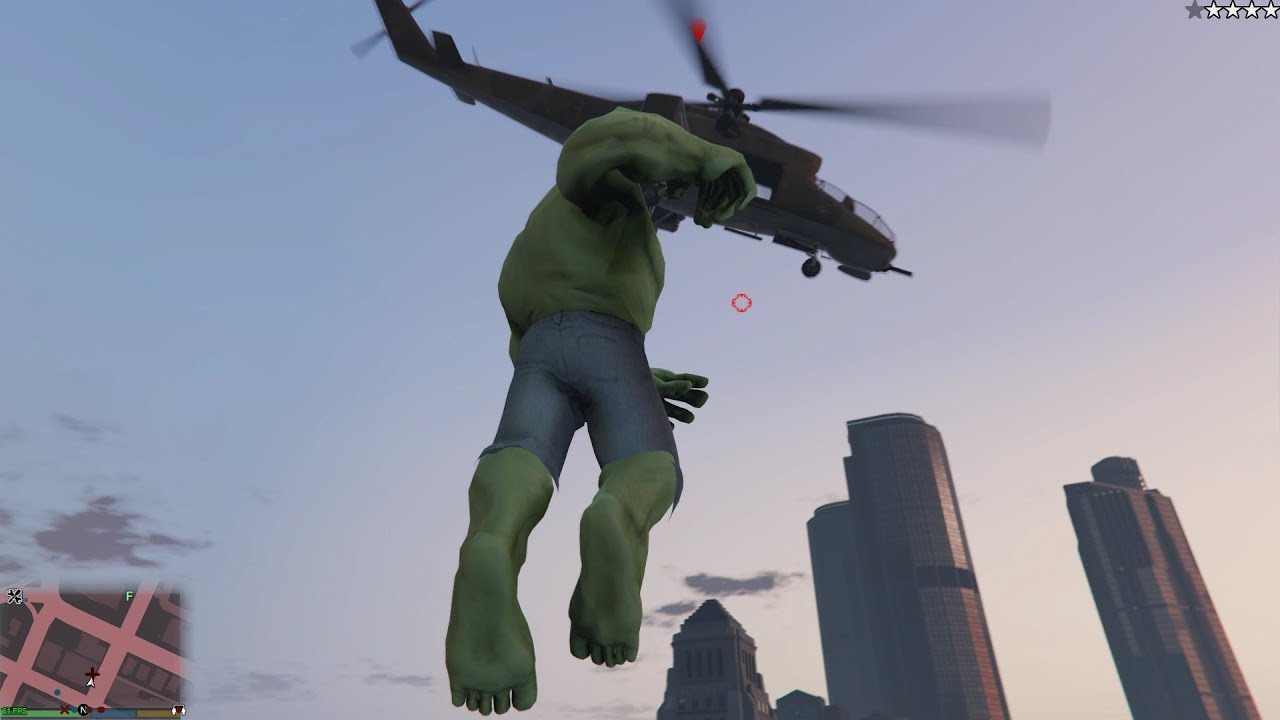

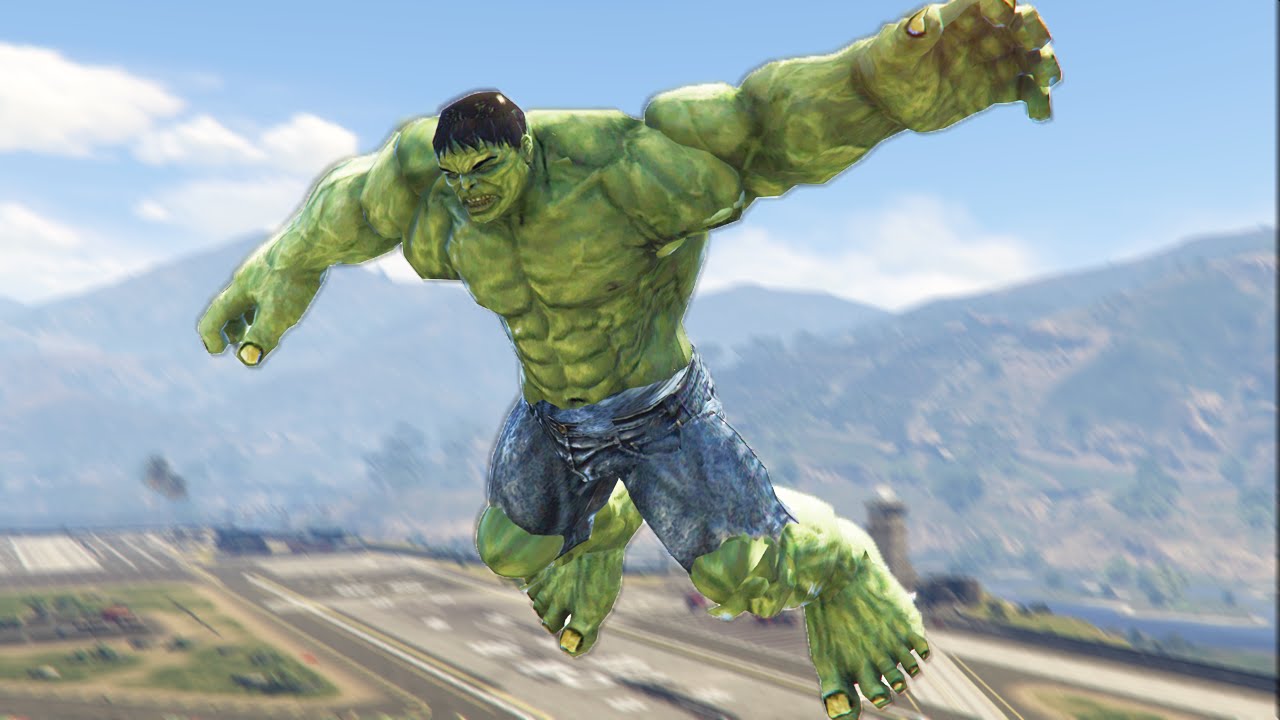
INSANE GTA 5 HULK MOD Avengers Infinity War Mods YouTube . GTA 5 Mod Ultimate HULK GTA 5 Mods Website Hulkulti2 . GTA V New HULK Mod Gameplay YouTube . Hulk Mods For Grand Theft Auto V ModsHost Gta 5 Warrior Hulk V1 1 1 . EXTREME HULK MOD GTA 5 Funny Moments YouTube

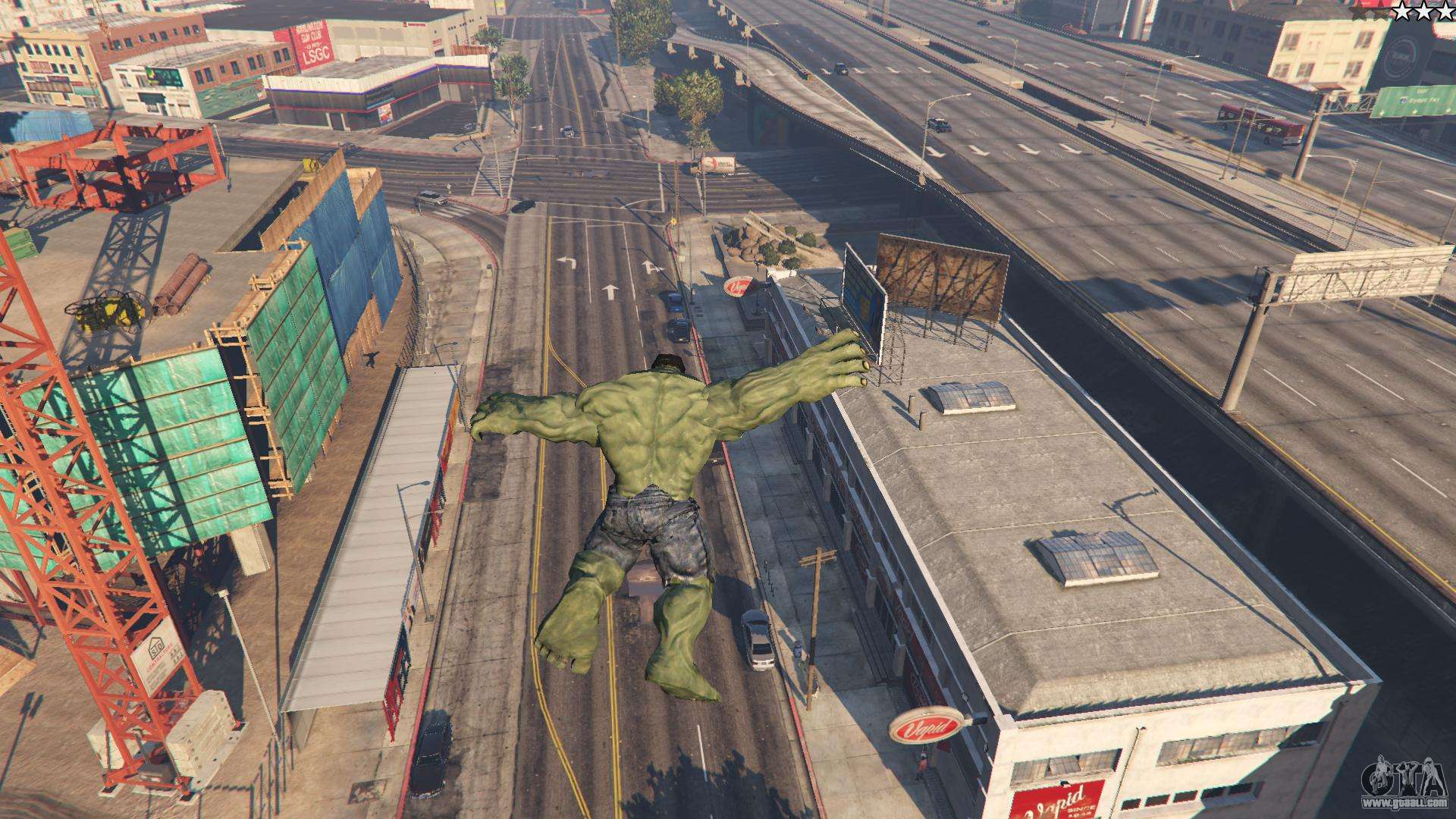
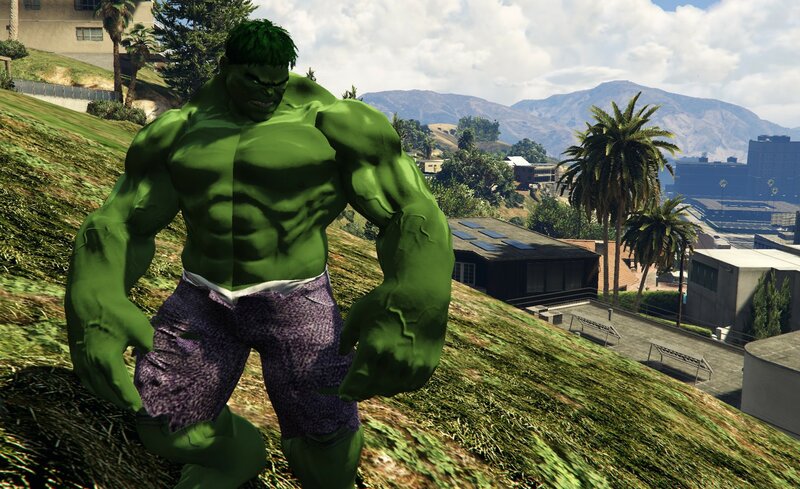
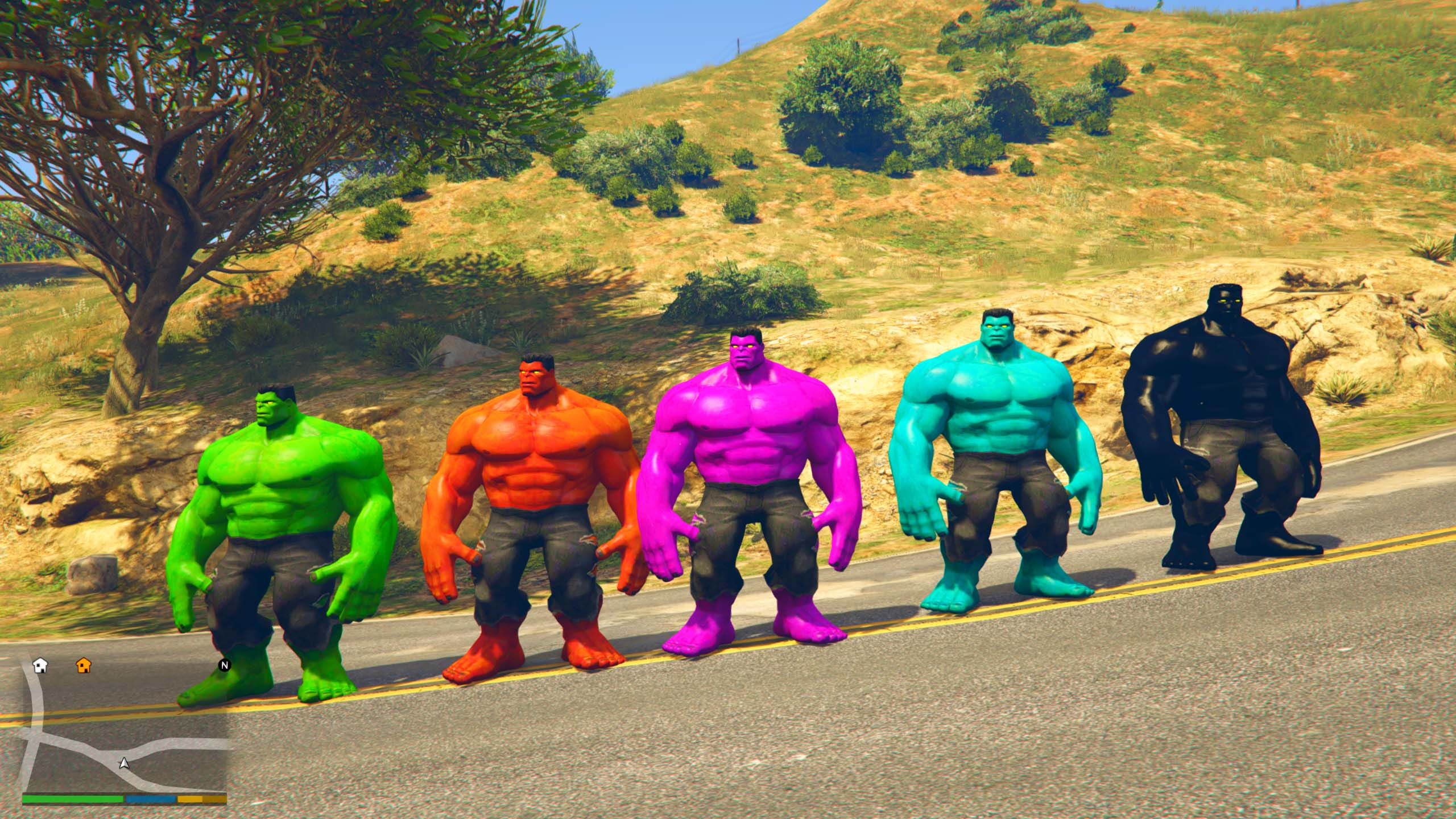
ULTIMATE HULK MOD IN GTA GTA 5 Mod Funny Moments YouTube . The Hulk For GTA 5 301073 GTA5 2015 10 23 17 29 30 03 . HULK 1003 V1 0 GTA 5 Mod HULK 1003 V1.0.webp. GTAinside GTA Mods Addons Cars Maps Skins And More 1692212181 1 . Multi Hulk 10 Pack V1 1 GTA 5 Mod Multi Hulk 10 Pack 1.1

Venom Mods For Grand Theft Auto V ModsHost Gta 5 Hulk Venom Fusion Add On Ped 1 . The Hulk Ped 1 1 GTA 5 Mod The Hulk . Hulk Avengers Age Of Ultron Add On GTA5 Mods Com Aeccc4 Fullsize Distr . Gorila Hulk GTA 5 Mods Gorila Hulk 1 1536x850 . Maestro Hulk Add On GTA5 Mods Com Fc268e Greys


Hulk Avengers Age Of Ultron Add On GTA5 Mods Com 45861b Fullsize Distr . Install The Hulk Mod In GTA 5 In 5 Minutes No Complex Setup YouTube . Hulk Mods For Grand Theft Auto V ModsHost Gta 5 Hulk Spiderman 1 . Hulk Avengers Age Of Ultron Add On GTA5 Mods Com 090703 Fullsize Distr . Niko Turn Hulk GTA 4 Hulk Mod Playing GTA IV As Hulk SuperHero


How To Install Hulk Mod In GTA 4 GTA IV HULK Mod With Power S The . The Hulk For GTA 5 301072 GTA5 2015 10 23 17 29 28 44 . GTA 5 Mods HULK MOD GTA 5 PC Mods YouTube . GTA 5 HULK SAVAGE Deluxe Addon Ped Mod GTAinside Com 1776018859 1 . GTA 5 Mods The HULK MOD YouTube