Are you a busy US gamer balancing work and life, craving deeper immersion and satisfaction from your precious gaming hours? This comprehensive guide delves into achieving a better tactile gaming experience, transforming mundane interactions into truly engaging moments. Discover expert tips on optimizing your setup, fine-tuning haptic feedback, choosing the right peripherals, and even leveraging software for unparalleled sensory engagement. From understanding the nuances of mechanical keyboards and advanced controllers to exploring innovative haptic technologies, we cover practical, budget-friendly strategies that cater to adult gamers who prioritize relaxation, fun, and genuine skill-building over hype. Learn how to enhance every click, rumble, and vibration, making your gaming sessions more responsive, enjoyable, and ultimately, more rewarding. Get ready to feel your games like never before and rediscover the joy of truly immersive play without breaking the bank or sacrificing your valuable time.
Related games- Guide to RenderFidelity Roblox: Maximize Your Graphics
- Mastering Admin Orb V8 Roblox Commands A 2026 Guide
What is the primary benefit of a better tactile gaming experience for busy adults?
The primary benefit is significantly increased immersion and satisfaction, allowing busy adult gamers to maximize their limited gaming time for relaxation and enjoyment. Enhanced tactile feedback makes games feel more responsive and real, providing a deeper escape from daily stresses and a more fulfilling entertainment experience.
How do I optimize my existing controller for improved tactile feedback without new hardware?
You can optimize your existing controller by delving into its system and in-game settings. Adjust vibration intensity, explore advanced haptic options for adaptive triggers (on supported consoles like PS5), and fine-tune dead zones for sticks and triggers. Regularly updating your controller's firmware also ensures peak performance and refined haptic delivery.
What are the key considerations when choosing a mechanical keyboard for tactile gaming on PC?
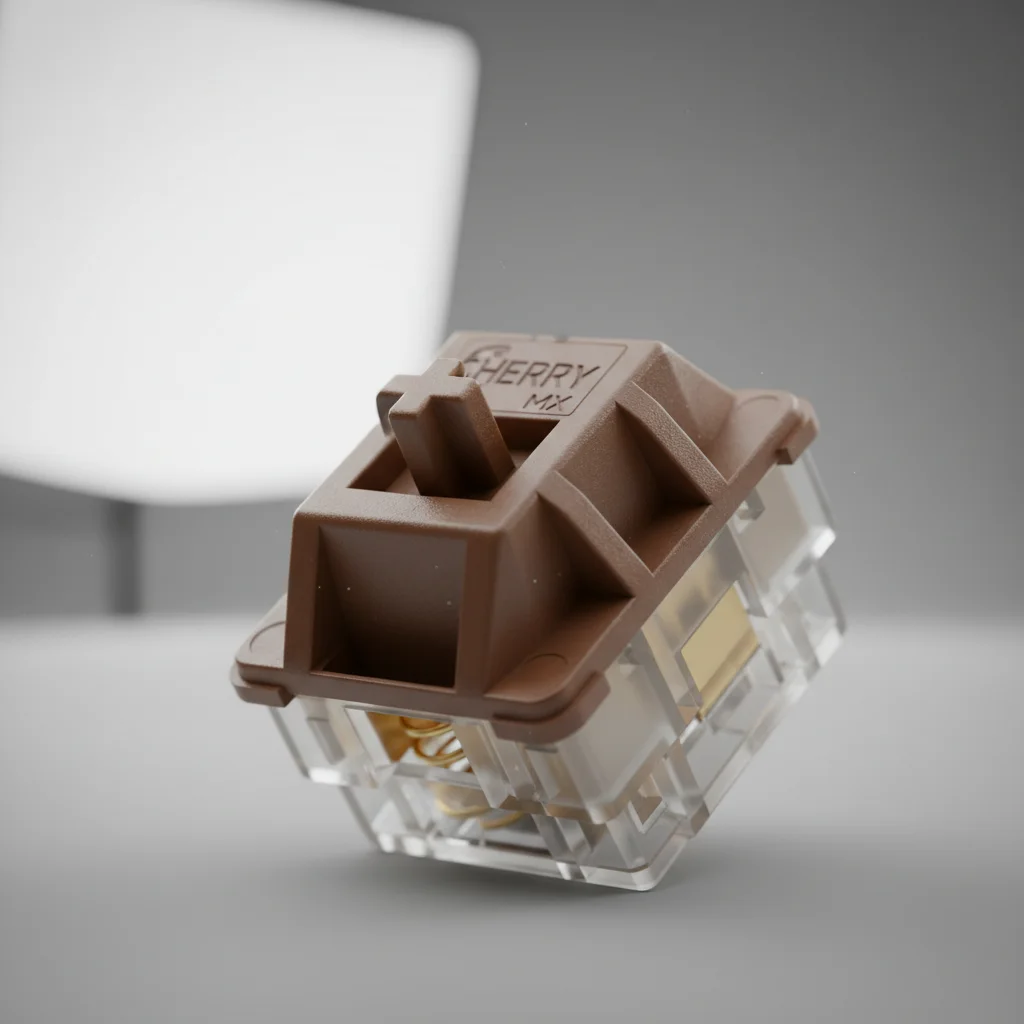
When choosing a mechanical keyboard for tactile gaming, focus on switch type. Tactile switches (e.g., Cherry MX Brown, Glorious Panda) provide a satisfying bump, confirming actuation without excessive noise. Consider keycap material (PBT for texture), build quality for durability, and whether you prefer a full-size, TKL, or smaller layout to suit your desk space and gaming style.
Can I get a better tactile experience on mobile gaming devices?
Yes, mobile gaming is increasingly incorporating advanced haptics. Many modern smartphones offer sophisticated haptic engines that provide nuanced vibrations for in-game events. External mobile controllers often include rumble features, and using high-quality earphones can also enhance the perceived tactile impact by syncing audio cues with subtle phone vibrations.
Are there specific games that truly showcase advanced tactile feedback?
Absolutely. Games like Astro's Playroom (PS5) are lauded for their innovative use of DualSense haptics, offering incredible sensory detail. Other titles like F1 racing games provide immersive road feel, and many modern FPS titles utilize haptics for weapon recoil and damage feedback, greatly enhancing the sense of impact and presence.
How does the physical environment of my gaming setup impact tactile sensations?
Your physical environment plays a crucial role. A sturdy desk ensures vibrations from controllers or keyboards are felt clearly without unwanted resonance. Ergonomic seating and peripheral placement reduce fatigue, allowing you to remain comfortable and highly perceptive to tactile cues. A clutter-free space also minimizes distractions, focusing your sensory input on the game itself.
What emerging technologies are promising for future tactile gaming experiences?
Emerging technologies like advanced haptic vests and gloves are moving beyond simple rumble, aiming to provide full-body tactile feedback. VR integration with haptic controllers is also evolving rapidly, offering more granular and localized sensations. As these technologies become more affordable and widespread, they promise to revolutionize immersion, allowing gamers to physically feel more of their virtual worlds.
For many US gamers, gaming isn't just a hobby; it's a vital escape, a social hub, and a way to unwind after a demanding day. With an average age around 36, most of us balance work, family, and other commitments, making our gaming time incredibly precious. We seek not just entertainment but a truly engaging, almost physical connection to the virtual worlds we explore. This desire for a deeper, more visceral interaction often leads to one core quest: a better tactile gaming experience.
Think about it. That satisfying click of a perfectly timed headshot, the rumble of an engine as you drift around a corner, the subtle vibration communicating an approaching enemy. These aren't just details; they're critical components of immersion, making our digital adventures feel more real and impactful. Recent US gaming stats highlight that 87% of gamers play regularly, often for 10+ hours a week, and a significant portion of that time is spent seeking that perfect blend of challenge and comfort. Mobile gaming continues to dominate, but PC and console players are still heavily invested, particularly in social gaming trends that thrive on shared, responsive experiences. But how do you actually achieve this enhanced tactile feedback without breaking the bank or dedicating endless hours to setup? This guide is your friend, offering practical, no-nonsense advice for busy gamers.
What Exactly Is Tactile Gaming Experience and Why Does It Matter?
A tactile gaming experience refers to the physical sensations you feel while playing, primarily through your controller, keyboard, mouse, or even headphones. This encompasses everything from the resistance of a trigger button and the click of a switch to the vibrations and haptic feedback communicating in-game events. It matters immensely because these sensations directly impact immersion, responsiveness, and overall enjoyment. When your peripherals accurately convey the subtle nuances of the game world, it strengthens your connection to the action, making every input and every in-game reaction feel more impactful and intuitive. For many, it's the difference between merely observing a game and truly participating in it, enhancing both relaxation and competitive edge.
How Can I Immediately Improve My Controller's Haptic Feedback?
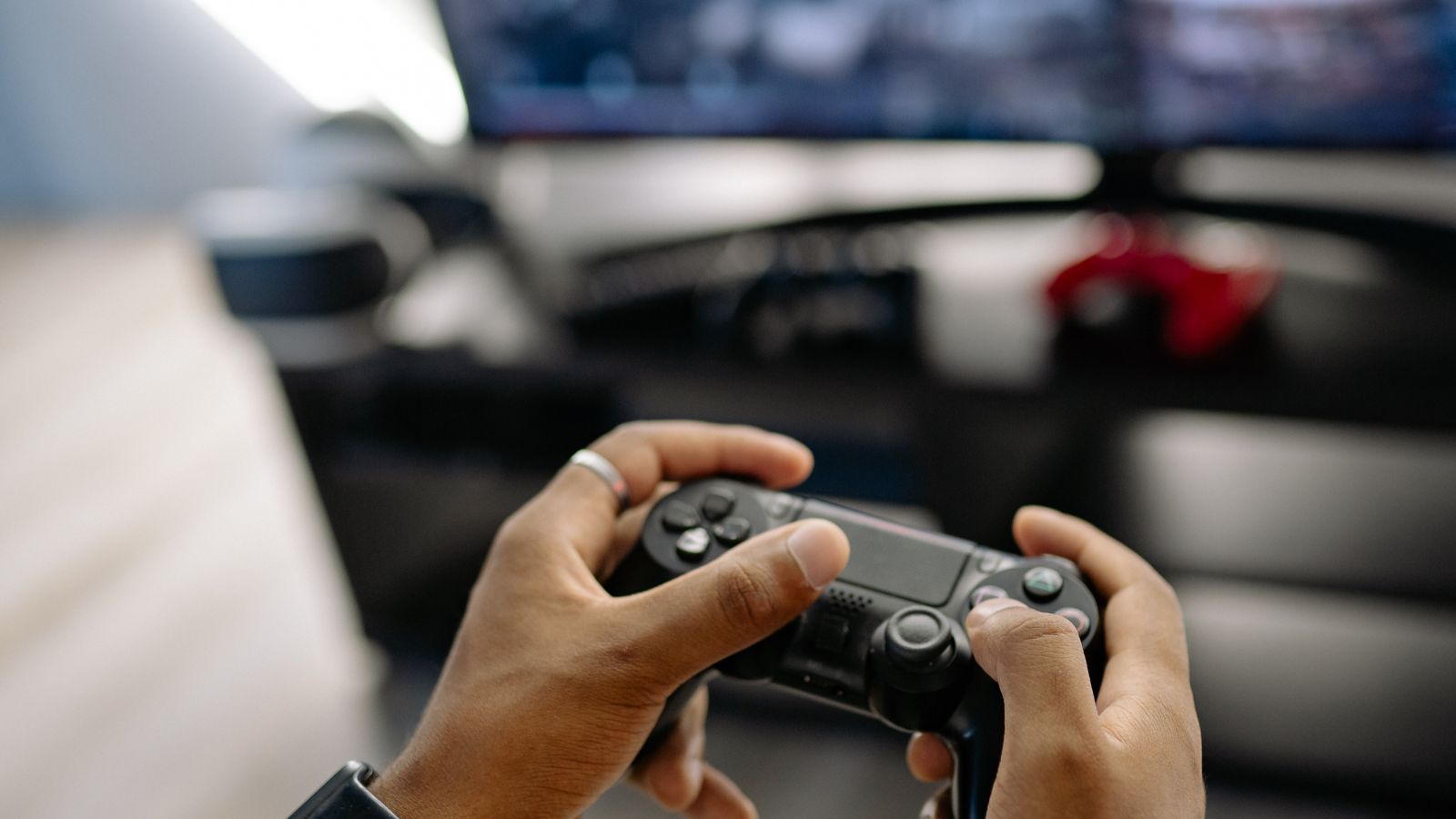
Improving your controller's haptic feedback often starts with its settings. Most modern consoles and PC game launchers allow you to adjust vibration intensity. Dive into your console's accessory settings or your PC game's options menu and look for 'Controller Vibration' or 'Haptic Feedback' options. Experiment with increasing the intensity to feel more pronounced effects, but be wary of setting it too high, as it can become distracting. Also, ensure your controller's firmware is up to date, as manufacturers frequently release updates that refine haptic performance. For PS5 users, explore the 'Trigger Effect Intensity' for adaptive triggers, offering nuanced resistance that can significantly elevate gameplay.
Are Mechanical Keyboards Truly Better for Tactile PC Gaming?
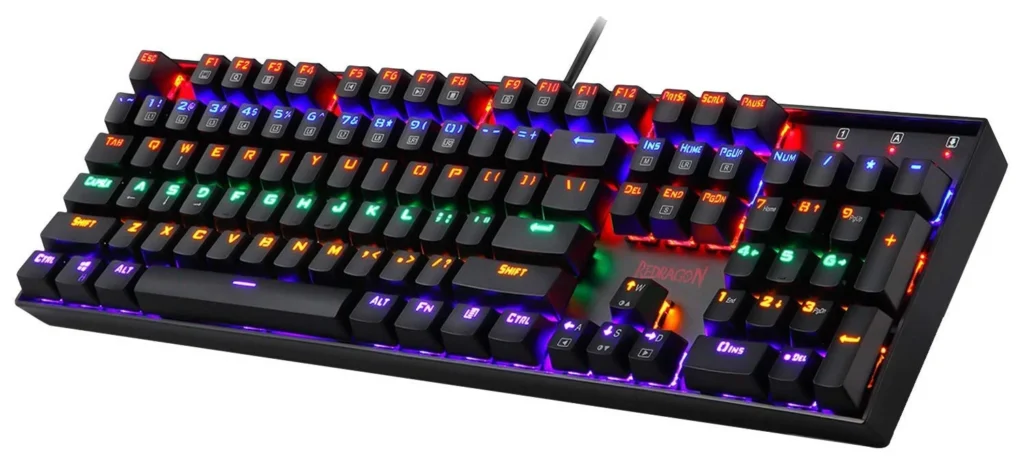
Absolutely, mechanical keyboards are a game-changer for PC gamers seeking a superior tactile experience. Unlike membrane keyboards, mechanical keyboards use individual switches under each key, offering distinct feedback with every press. Switches come in various types: clicky (audible click and tactile bump), tactile (just a tactile bump), and linear (smooth travel without a bump or click). Many gamers, especially those around 36 who remember older, more robust keyboards, gravitate towards tactile switches like Cherry MX Browns or Glorious Pandas for their satisfying feedback without excessive noise. This precise tactile response can improve typing accuracy, reduce fatigue during long sessions, and provide clear confirmation of inputs, making actions feel more intentional and responsive in fast-paced titles.
Which Gaming Headsets Enhance Tactile Immersion Beyond Audio?
While audio is a headset's primary function, some models now incorporate haptic feedback to enhance immersion. These specialized headsets feature haptic drivers that translate low-frequency sounds (like explosions, bass drops, or rumbling engines) into vibrations you can feel on your head. Brands like Razer with their Nari Ultimate or Kraken V3 HyperSense offer this technology. It's an interesting addition that can make you feel more 'inside' the game, particularly in action-heavy titles where strong environmental effects are present. For busy gamers, this can be a great way to deepen engagement without requiring extensive peripheral upgrades, effectively combining two sensory inputs into one device.
What are Budget-Friendly Tactile Upgrades for My Current Setup?
You don't need to spend a fortune to upgrade your tactile experience. Here are a few budget-friendly options: first, consider **controller trigger stops** or **paddle attachments**. These external add-ons, often under 30-50, can significantly reduce trigger travel distance and offer additional, remappable buttons for quicker, more responsive actions. Second, for PC gamers, investing in a good set of **replacement keycaps** can subtly alter the feel of your mechanical keyboard. Different materials like PBT offer a distinct texture. Third, explore **grip tapes** for controllers or mice; these improve your hold and often come with unique textures that enhance tactile interaction. Finally, simply optimizing your **controller settings** within games (e.g., dead zones, response curves) can refine input feel without any hardware cost.
How Do I Calibrate Haptic Feedback for Different Game Genres?
Calibrating haptic feedback effectively means understanding that different genres benefit from different intensities and types of feedback. For instance, in a competitive FPS like a modern Battle Royale, you might want sharper, more immediate vibrations for gunshots and damage, ensuring quick awareness. In a racing simulator, you'll want nuanced rumbles that convey road texture, gear shifts, and collisions. Most games allow per-game customization in their settings. Take the time to tweak these for each title. If a game feels too 'buzzy,' reduce the intensity. If it feels too muted, dial it up. Consider the primary information the haptics convey in that genre and optimize for clarity and impact. Some advanced controllers even allow saving multiple profiles.
What Role Does Ergonomics Play in a Better Tactile Experience?
Ergonomics is foundational to a superior tactile experience, as discomfort can quickly overshadow any enhanced feedback. If your hands, wrists, or arms are strained, your ability to perceive and appreciate subtle tactile cues diminishes. Ensure your controller fits comfortably in your hands, or that your keyboard and mouse are positioned to promote a neutral wrist posture. Using a wrist rest for keyboards or an ergonomic mouse can alleviate pressure. Proper posture at your desk also contributes significantly; a well-adjusted chair and monitor height prevent slouching, which can impede blood flow and nerve function. When your body is comfortable, your senses are more alert and receptive, allowing you to fully engage with the tactile nuances of your gaming session.
Can Third-Party Software Enhance Tactile Feedback on PC?
Yes, third-party software can significantly enhance and customize tactile feedback on PC, especially for controllers. Applications like DS4Windows for PlayStation controllers or specialized software for high-end Xbox Elite controllers allow for granular control over rumble motors, trigger sensitivity, and even button remapping. You can often adjust the intensity of different motors independently, create custom vibration patterns for specific in-game events, or remap haptic effects to different actions. This level of customization goes beyond what most game settings offer, letting you fine-tune your tactile experience to a personal preference, ensuring your controller feels perfectly tuned to your playstyle and the specific demands of each game. Always ensure you download reputable software from trusted sources.
How Do I Keep My Peripherals Maintained for Optimal Tactile Response?
Maintaining your peripherals is crucial for preserving their optimal tactile response over time. For controllers, regularly clean out any debris that might get into button crevices or around analog sticks, as this can affect their feel and responsiveness. Compressed air is excellent for this. For mechanical keyboards, occasional keycap removal and cleaning beneath them prevents dust and crumbs from interfering with switch mechanisms. Consider replacing switches if they start to feel 'mushy' or inconsistent. Mice benefit from sensor cleaning and ensuring their feet are gliding smoothly. Proper storage away from dust and spills, along with careful handling, will prolong the life and tactile quality of all your gaming gear, ensuring a consistently excellent experience.
Conclusion
Achieving a better tactile gaming experience isn't about chasing the latest hype, but rather about thoughtfully optimizing your current setup and making informed upgrades that truly resonate with your playstyle and budget. As US gamers, we seek more than just pixels on a screen; we crave genuine immersion, the satisfaction of a perfect input, and the physical thrill of virtual worlds. By focusing on smart peripheral choices, fine-tuning settings, exploring budget-friendly enhancements, and maintaining your gear, you can transform your gaming sessions from merely enjoyable to truly unforgettable. Remember, the goal is to deepen your connection to the game, making every moment you spend gaming a rewarding and stress-relieving escape.
What's your biggest gaming challenge when it comes to feeling truly immersed? Comment below!
FAQ Section
What is haptic feedback in gaming?
Haptic feedback refers to the use of vibrations and physical sensations to communicate information in a game, enhancing immersion and responsiveness. It provides tactile cues for events like impacts, engine roars, or character actions, making the virtual world feel more real.
Are expensive controllers worth it for better tactile feel?
For many, yes. High-end controllers often feature superior haptic motors, adaptive triggers, and premium materials that offer a noticeably better tactile experience and durability. However, budget-friendly upgrades can also significantly improve the feel of standard controllers.
Can sound affect my perception of tactile feedback?
Absolutely. Auditory cues work in synergy with tactile feedback. A powerful rumble accompanied by a thunderous explosion creates a much stronger immersive effect than either sensation alone. Optimizing both sound and haptics creates a cohesive, impactful experience.
How often should I clean my mechanical keyboard for optimal tactile feel?
Ideally, a light dusting weekly and a deeper clean (removing keycaps, compressed air) monthly or bi-monthly, depending on usage and environment. Regular cleaning prevents debris from altering the feel and performance of your mechanical switches.
What is the difference between linear and tactile mechanical switches?
Linear switches provide a smooth, consistent keypress without any bump or click, often preferred for fast-paced gaming. Tactile switches, conversely, offer a noticeable bump partway through the keypress, providing a physical confirmation of actuation, often favored for typing and precise gaming.
Does game genre influence the best tactile setup?
Yes, significantly. For competitive FPS, immediate, crisp feedback is key. For racing sims, nuanced vibrations mimicking road conditions are preferred. RPGs might benefit from subtle haptics that build atmosphere. Tailoring your setup to the genre enhances relevance and immersion.
Enhance haptic feedback, choose optimal peripherals, customize controller settings, explore mechanical keyboards, understand audio-tactile synergy, integrate budget-friendly upgrades, maintain immersion, balance gaming with life.
32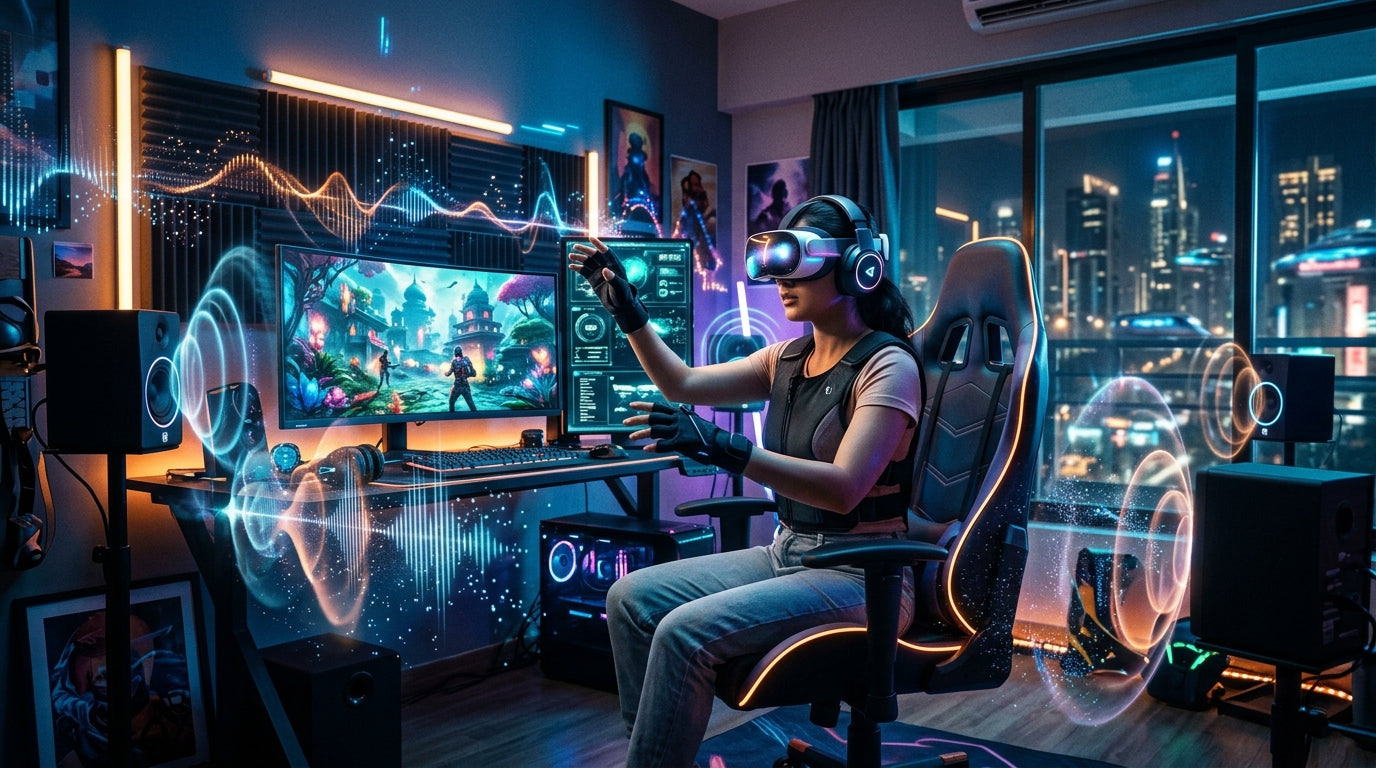

Unleash The Soundscape Crafting An Immersive Audio Sensory Gaming E Featured Hero Image E9152d42 0e3e 41f3 Af9d . Best Budget Tactile Switches Top Value Picks For 2026 MKB Guide Image. Intel S Panther Lake Could Power New Gaming Handhelds In 2026 Windows 1200 80 . Video Game Controller Evolution TREND . Les Meilleurs Jeux Mobile 2026 Nos Pr Dictions Gaming Interface Valorant Mobile Controles Tactiles 2026 1024x502



7 VR Headset Gaming Innovations In 2026 That Make Reality Feel Boring Ar 300x300 . Video Games 2026 Key Trends Shaping The Future Of Play Mavigadget Blog 696x696 . From Gaming To Dual Focus Evolving Strategies In 2026 LevelUpTalk Gamers 02 03 2026 435585de 9b0c 4d4c B715. Linear Vs Tactile Vs Clicky Switches Gaming Gear Labs Image 57.webp. San Francisco 7D Ride Experience 2026 Tickets Prices Flyer Combo 7D Ride Experience



Best Gaming Handhelds To Get In 2026 The Latest Powerhouses UPERFECT Uperfect Gaming Monitor 68cd4a82 8e55 42c8 9bb0 600x600 . Cherry MX Red Vs Black Which Linear Switch Is Better In 2026 MKB Guide Image. 15 Best Party Games For Adults July 2026 Complete Guide B07Y98CFPB Customer 2 . 7 Best Tactile Switches Top Picks For Gaming In 2026 Best Tactile Switches 150x84 . 10 Best Mechanical Keyboards Under 150 July 2026 Expert Reviews Best Mechanical Keyboards Under 150


8 Best Wireless Gaming Mouse And Keyboard Combo Bundles May 2026 B0D8N2B4XS Customer 2 . 12 Best Wireless Gaming Keyboards 2026 Models Tested B0CX98BDF6 Customer 2 2 1536x864 . Madame Tussauds Las Vegas 2026 Tickets Hours Zones Visitor Guide Marvel Superheros Madame Tussauds Vegas . Madame Tussauds Hollywood Tickets Prices What To See 2026 Virtual Room At Madame Tussauds Hollywood . Top 4 Gaming Handhelds In 2026 Best Gaming 2026 1024x576
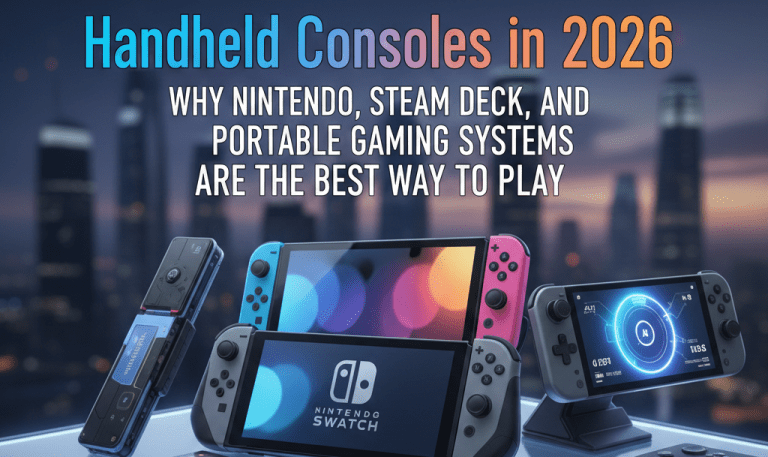

Intel S Panther Lake Could Power New Gaming Handhelds In 2026 Windows 1712 80 . Gaming Guide MyGameRank Dominate Your Games With Insider Tips Untitled Design 2026 02 . I Test Gaming Handhelds For A Living And This Is What I Expect In 1200 80 . Handheld Consoles In 2026 Why Nintendo Steam Deck And Portable Image 8 768x457 . Premium AI Image A Sensory Gaming Experience Sensory Gaming Experience 839035 509225

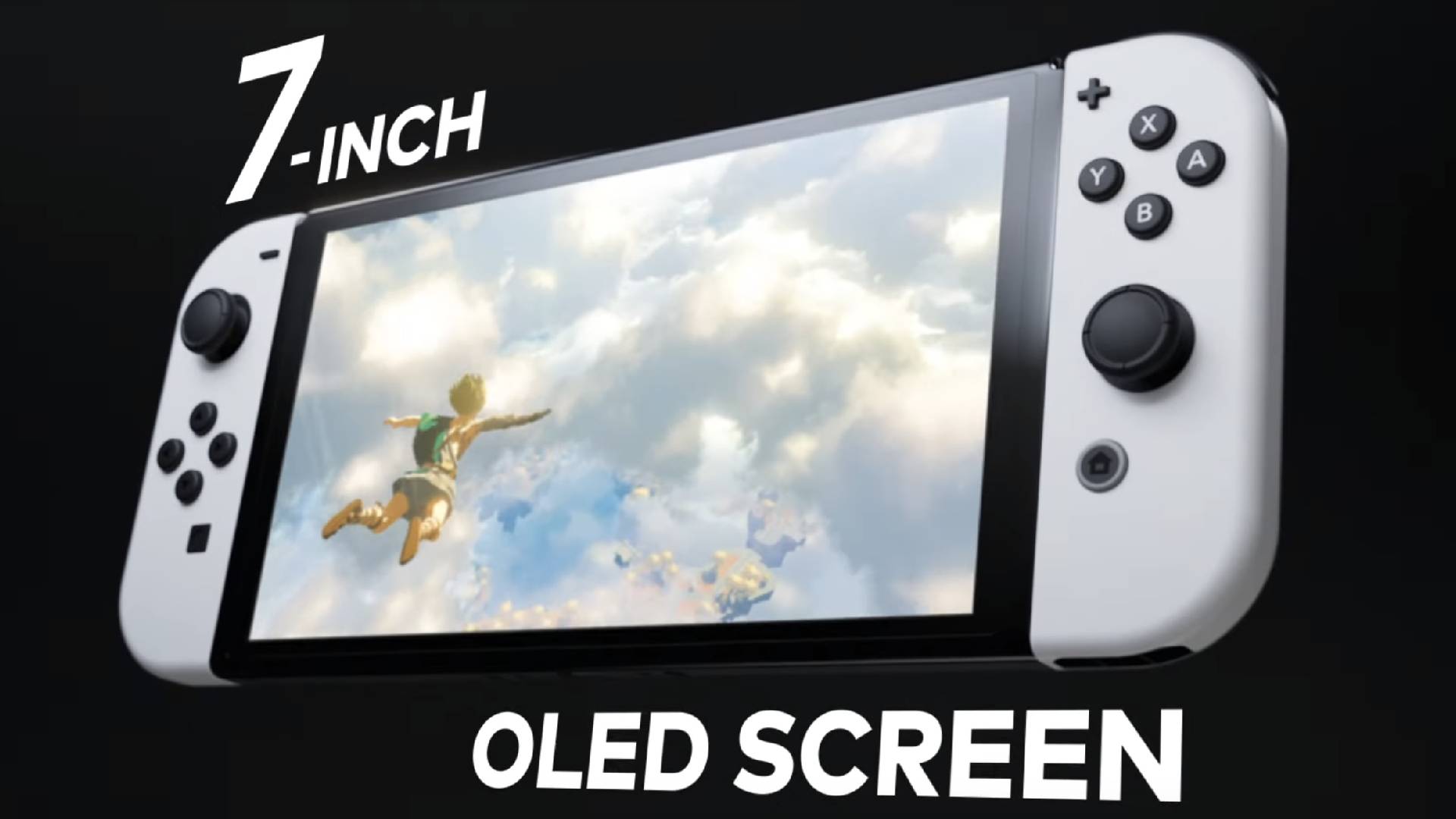

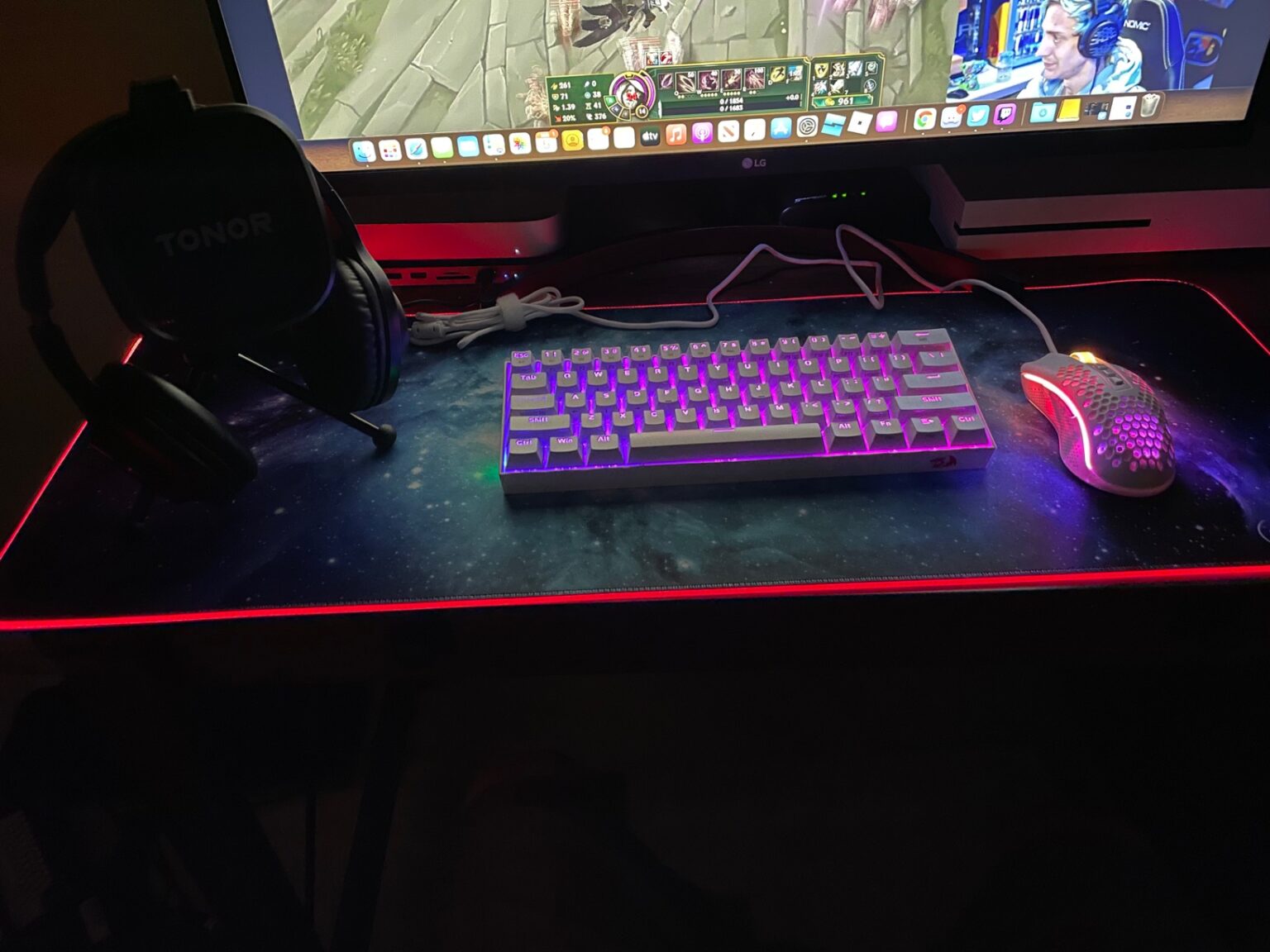
Exciting Start To 2026 New Game Experience Unleashed LevelUpTalk Gamer Excitement New Game 01 01 2026 83bf0c78 Adfb 41f6 90f5. Experience Dynamic Haptics Today Blog Image1 . Nintendo Switch OLED Review Still The Best Handheld In 2026 Pocket Nintendo Switch Oled Screen . 14 Best Kids Soccer Themed Party Supplies For Game Day Birthdays In 13 Best Kids Sports Themed Party Supplies For Easy Birthday Setup In 2026 Featured 800x430 . 12 Best 60 Gaming Keyboards June 2026 Expert Reviews B084JR4G5F Customer 1 1536x1152
Intel S Panther Lake Could Power New Gaming Handhelds In 2026 Windows 840 80 . Best Gaming Keyboard Under 3000 India 2026 Mechanical Picks Redragon K551 Rainbow Gaming Keyboard Under 3000 1